

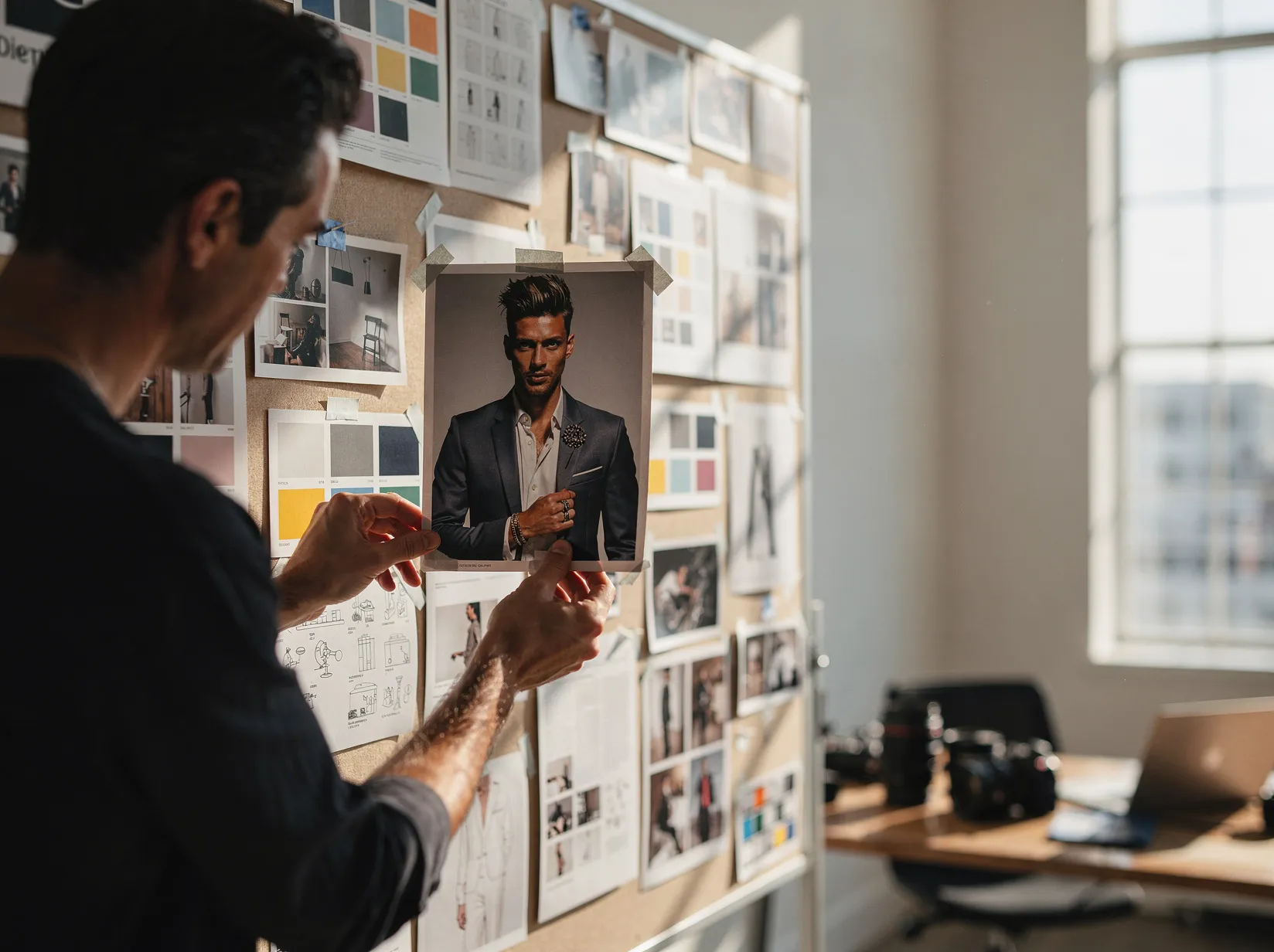
Before
After
01
Editorial portrait → ready prompt
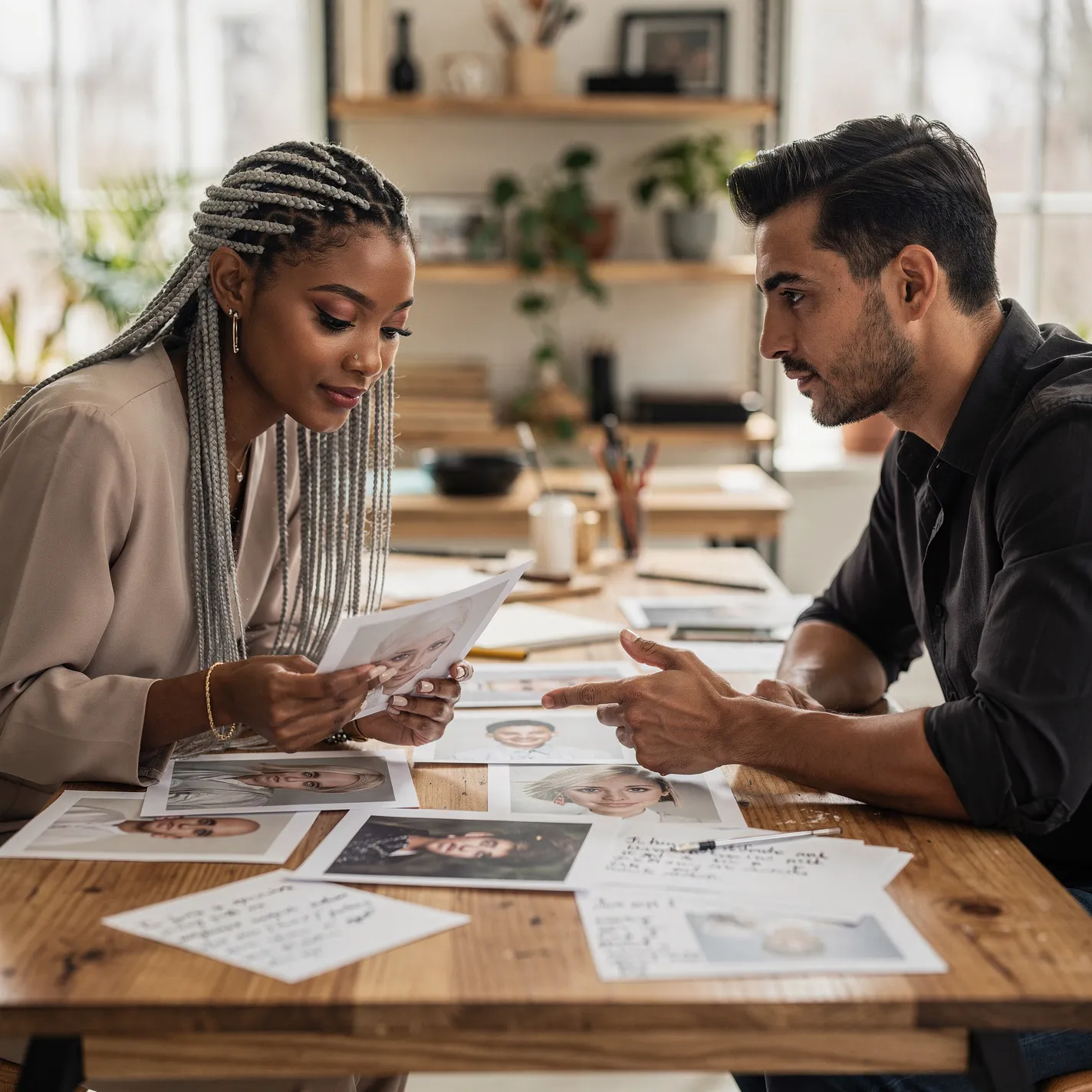
Compare the reference with a structured prompt that captures subject, lighting, lens, mood, and styling cues.
Upload an image and get a reusable AI image prompt plus short style notes.
Drop an image to start — your result appears here
1 credit per run
Upload a JPG, PNG, or WebP image.
The vision model summarizes subject, composition, lighting, and style.
Copy the prompt into GPT Image 2 or Nano Banana.
Three concrete moments where this tool saves a step.
Drop a moodboard image and walk out with a reusable prompt for your generator.
Capture the lighting, palette, and composition cues from any image.
Hand off prompts instead of vague creative briefs.
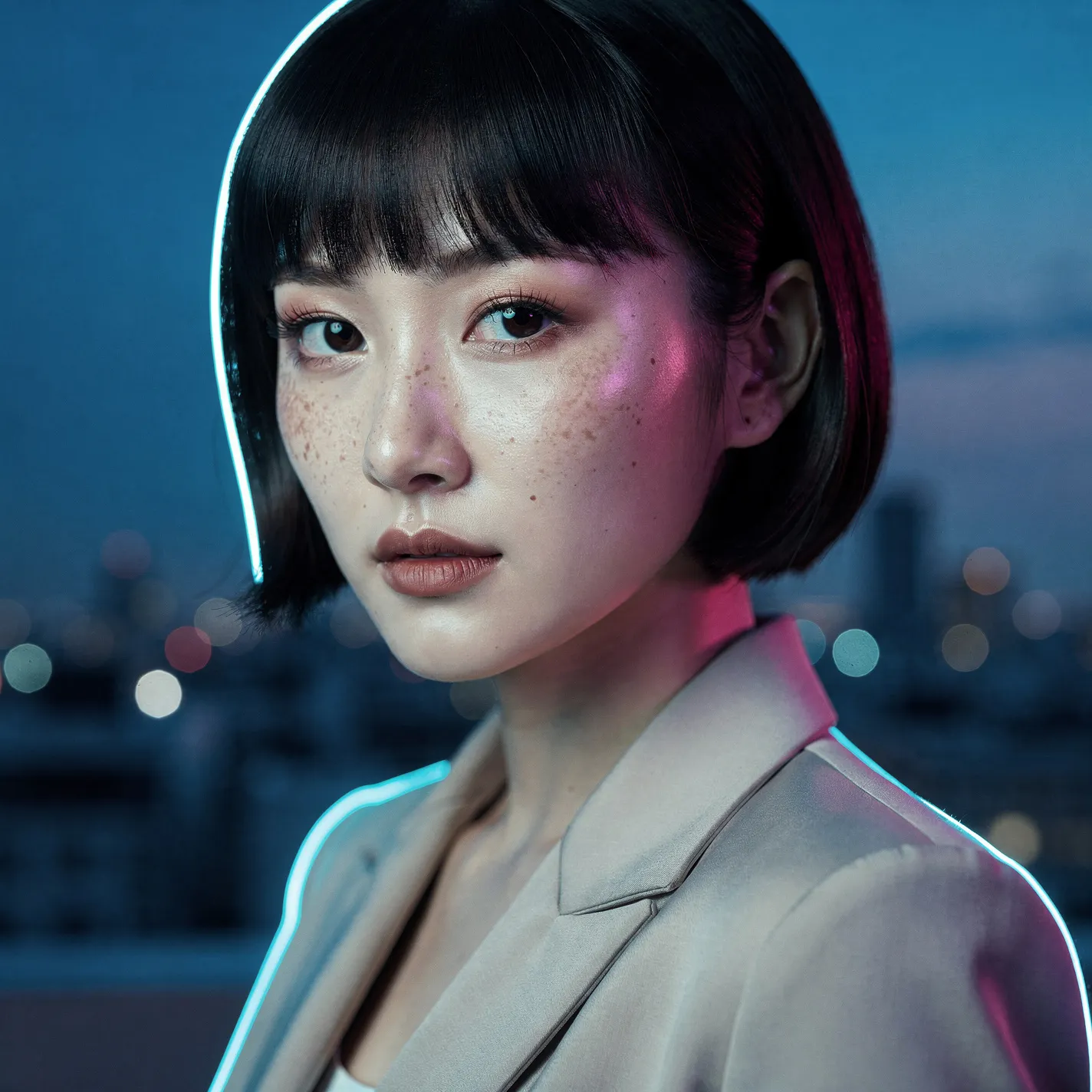
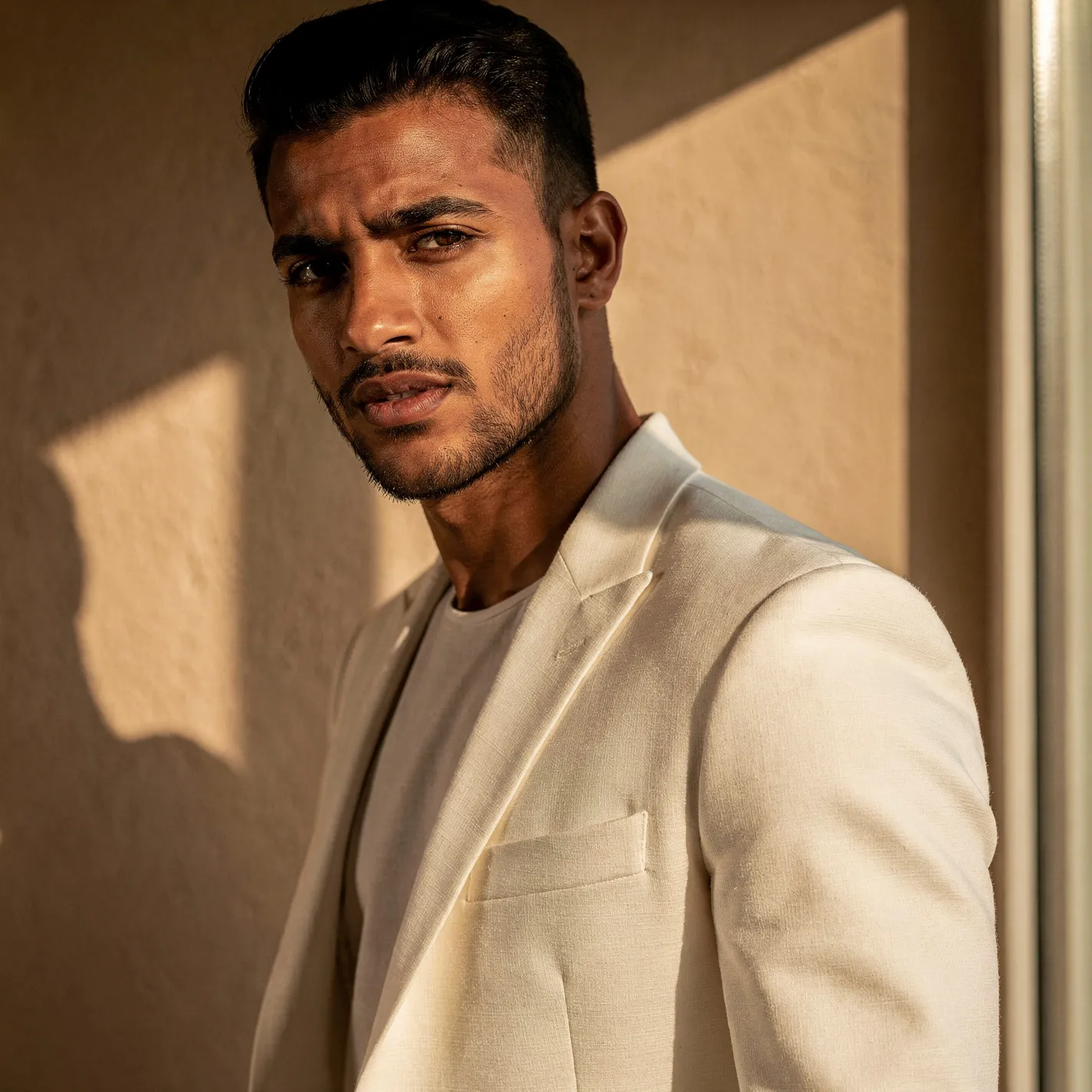
Drag each image to see what changes, then run the same workflow on your own upload.
Compare the reference with a structured prompt that captures subject, lighting, lens, mood, and styling cues.

Turn product photography into a reusable creative brief for recreating, remixing, or extending the shot.

Extract visual style, color palette, composition, and camera notes from artwork so another model has a clear starting point.
Copy the prompt straight into GPT Image 2 or Nano Banana — same tab, no context switch.
Not just a subject description — a full reusable creative brief, ready to remix.
When the vision model can't classify confidently, the tool says so instead of guessing.
Faster than the standalone tools I was paying for, and it's already wired to my image generator.
Half my workflow disappeared the day I realized I could prompt, upscale, and prep all in one tab.
The image-to-prompt step turned a slow part of my job into a 10-second copy-paste.
Quotes from invited beta users; consent obtained, last names withheld.
GPT Image 2
GPT Image 2 takes a long brief and gives back a finished image with the type set right, the references locked, and the world it depicts true to life — what diffusion-only models still get wrong.
Nano Banana 2
Nano Banana 2 keeps the speed of the base model but adds a quality dial — preview at 1K, sign off at 2K, ship at 4K. The detail in faces, hands, and material textures survives the upscale.
Studio Ghibli Style Filter
Turn any photo into a hand-painted Studio Ghibli scene — gouache backgrounds, drifting cumulus clouds, wind-moved grass, the quiet slice-of-life mood of Miyazaki's films. Faces stay recognizable, the output looks like a single frame from an animated feature.
Fashion Collage Generator — AI Editorial Collage
Turn photos into editorial fashion collages — layered outfits, magazine-grade composition, clean negative space. Drop straight into brand moodboards, lookbook concepts, seasonal campaigns, and creative proposal visuals.
Black and White Portrait Generator — AI Monochrome Filter
Upload a portrait and Somniia outputs a classic black and white image with bright catchlights, deep tonal range, and clean editorial composition — perfect for author bios, artist features, album covers, and brand bio pages.

