Create publish-ready images and videos in one AI studio
Turn prompts, product shots, portraits, and references into ads, social visuals, product heroes, character sheets, and short videos. Pick the model that fits the job, then edit, upscale, and keep moving.
Start anywhere
Drop a prompt or a reference. Pick the model for the job. Edit, upscale, or turn the result into video.
- Free credits on signup
- No credit card required
- Cancel anytime
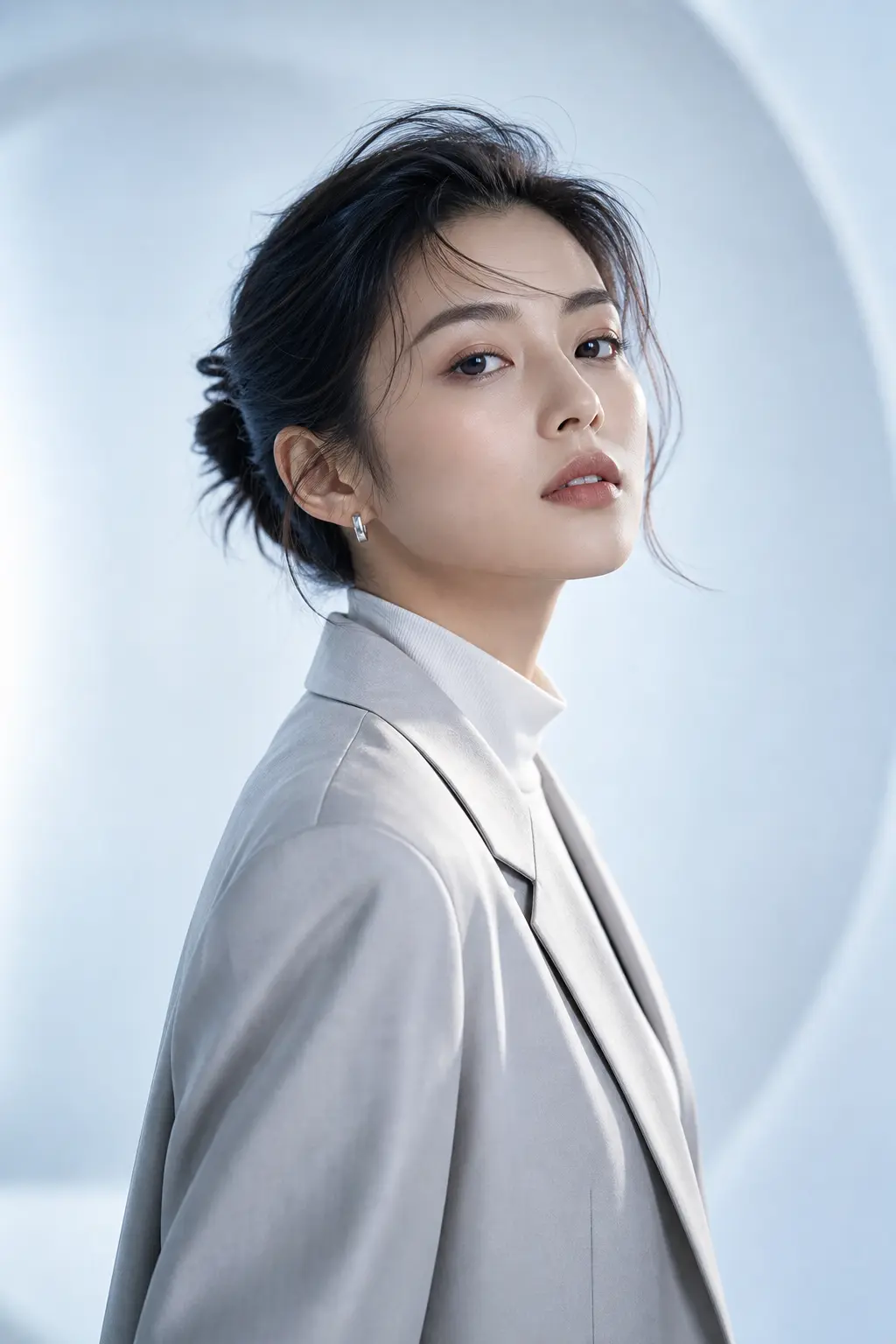
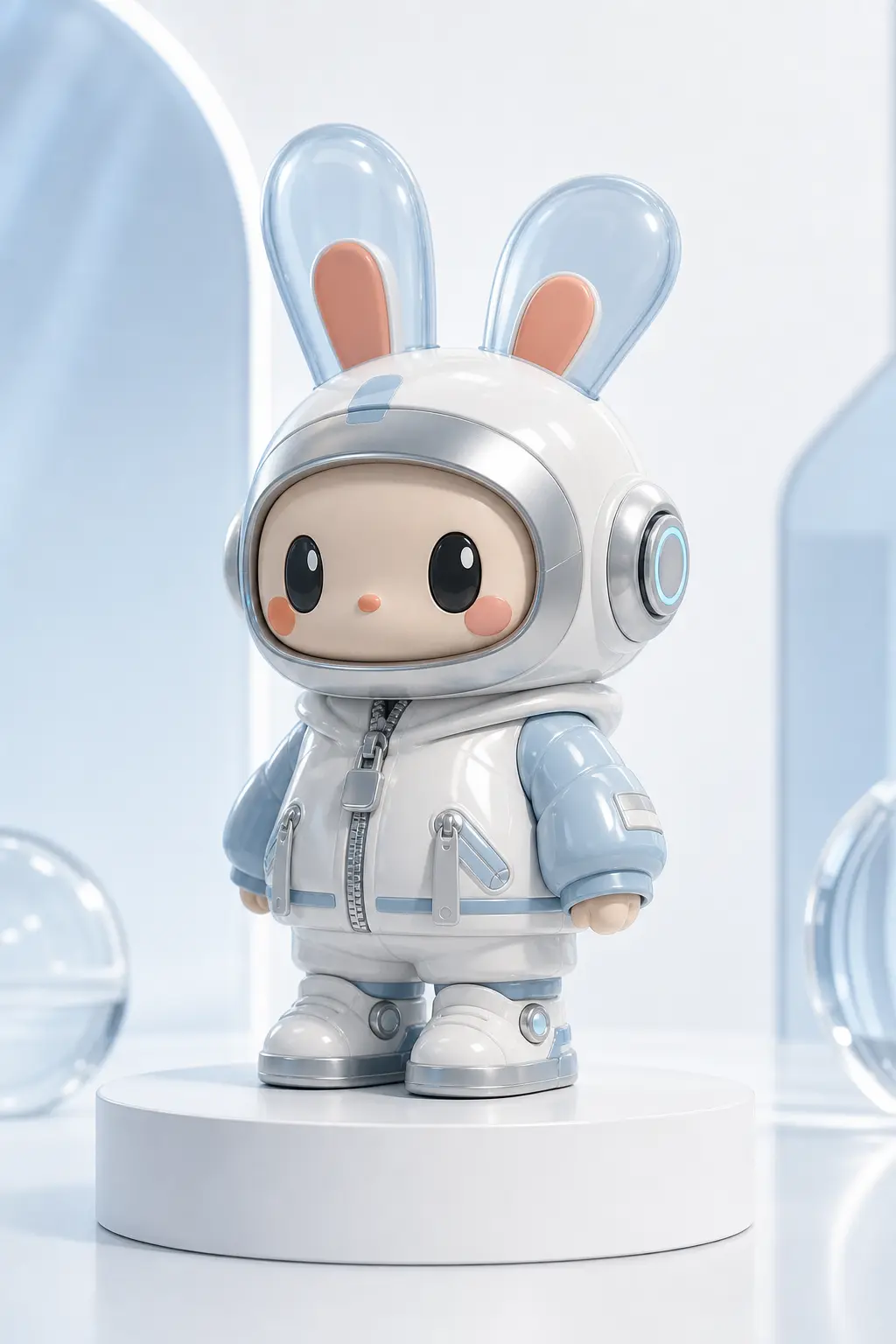
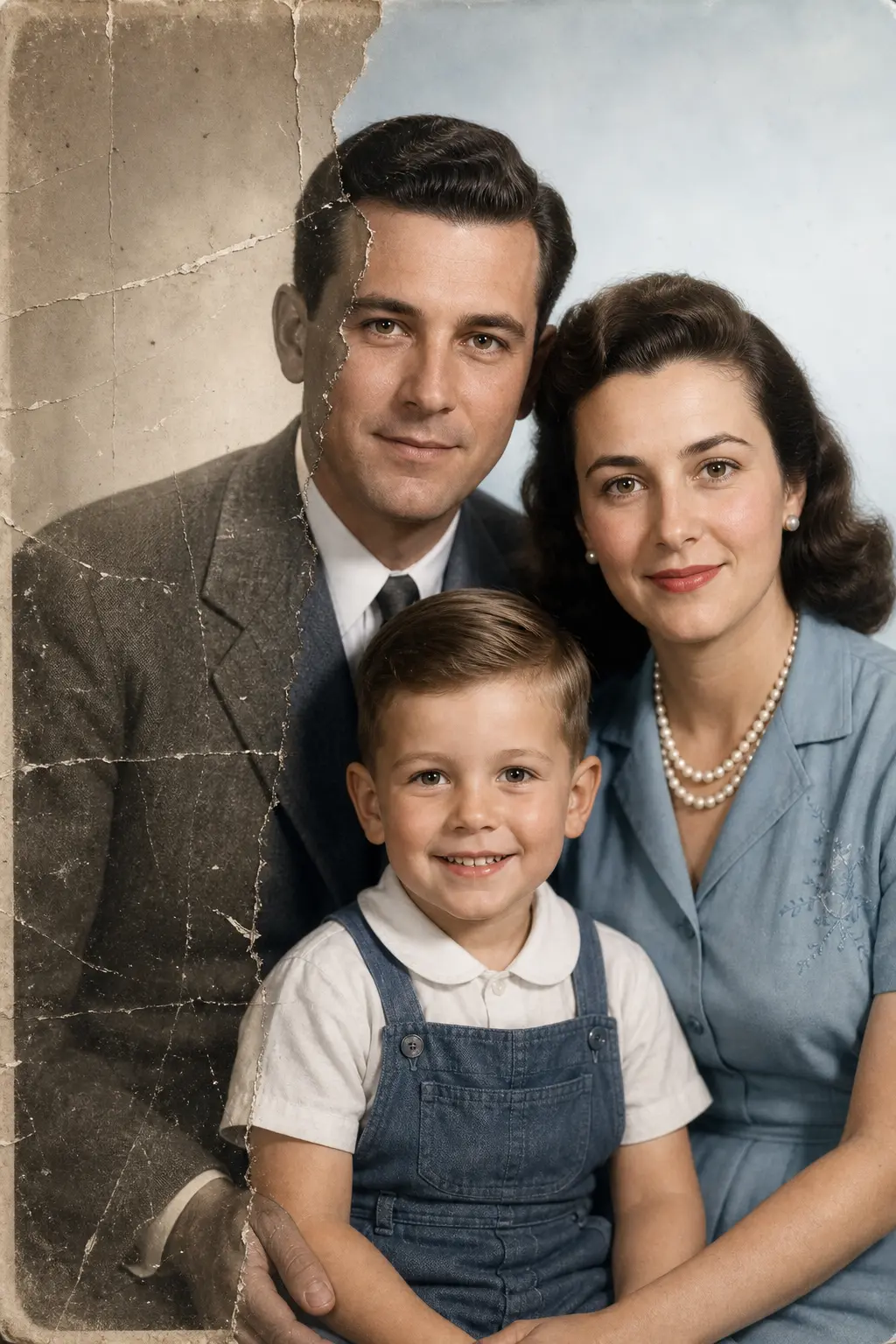
Nine starting points, picked for the work people actually ship
Tap a direction and remix it with your own prompt. Each one is a real client-style brief, not another generic preset.
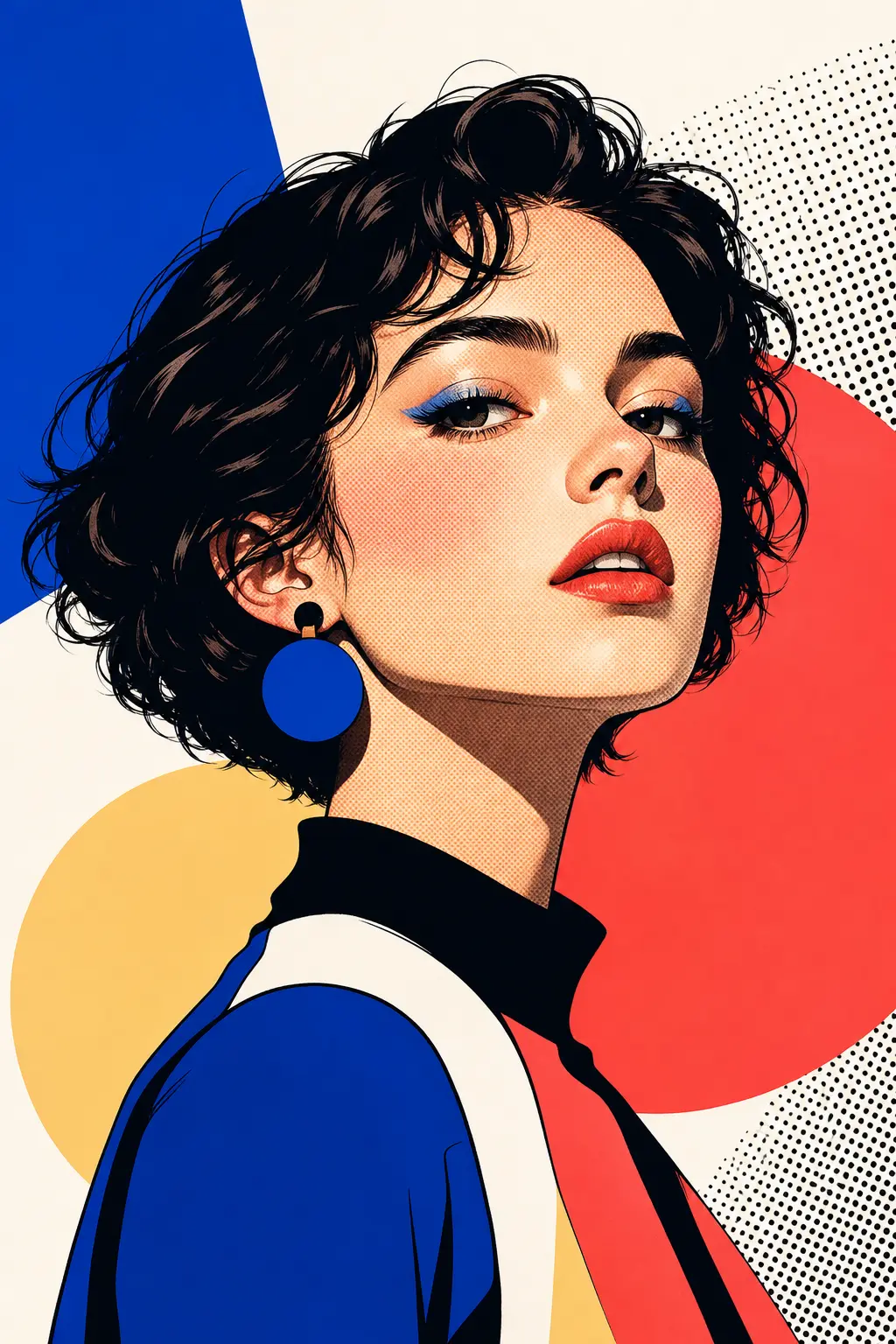
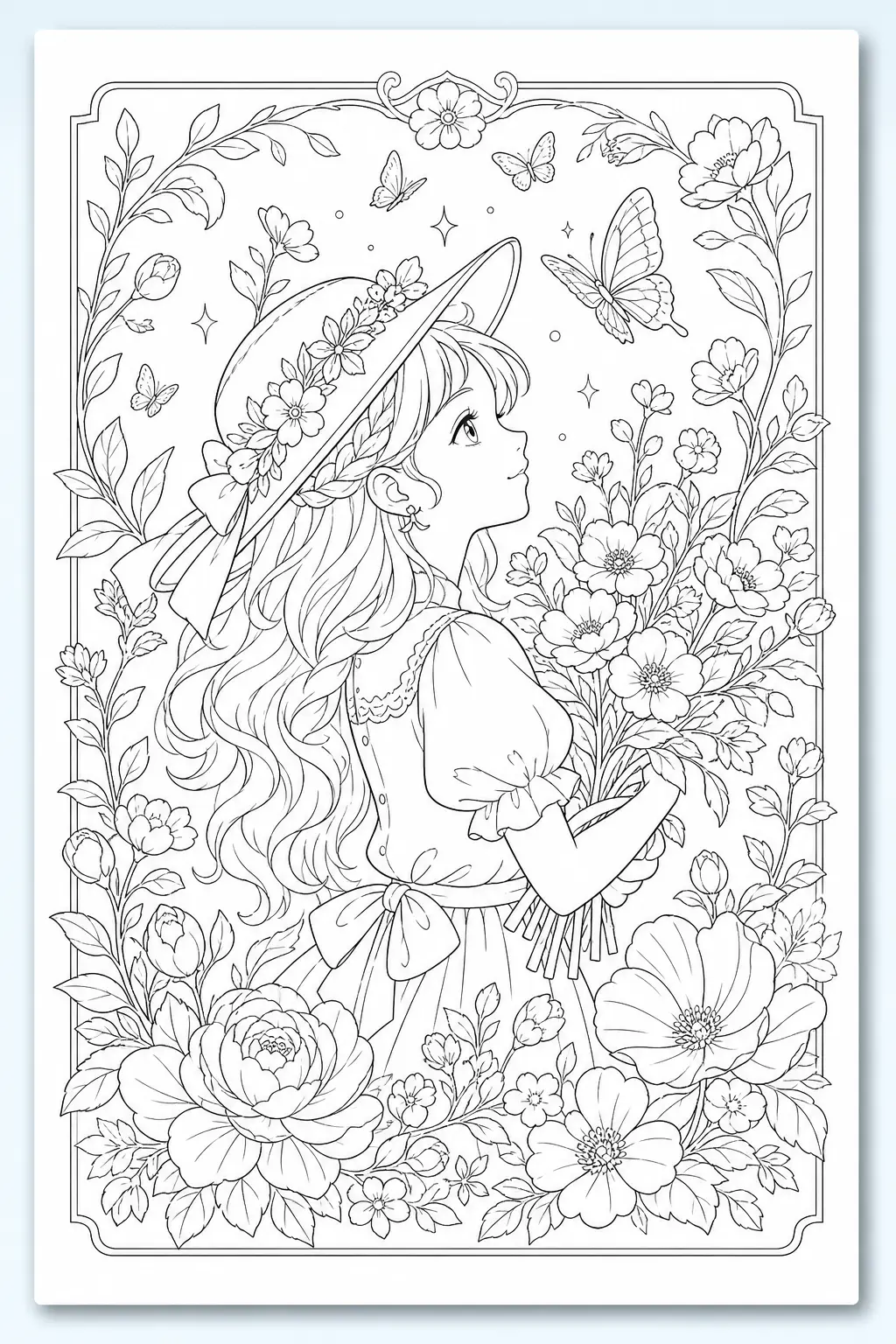
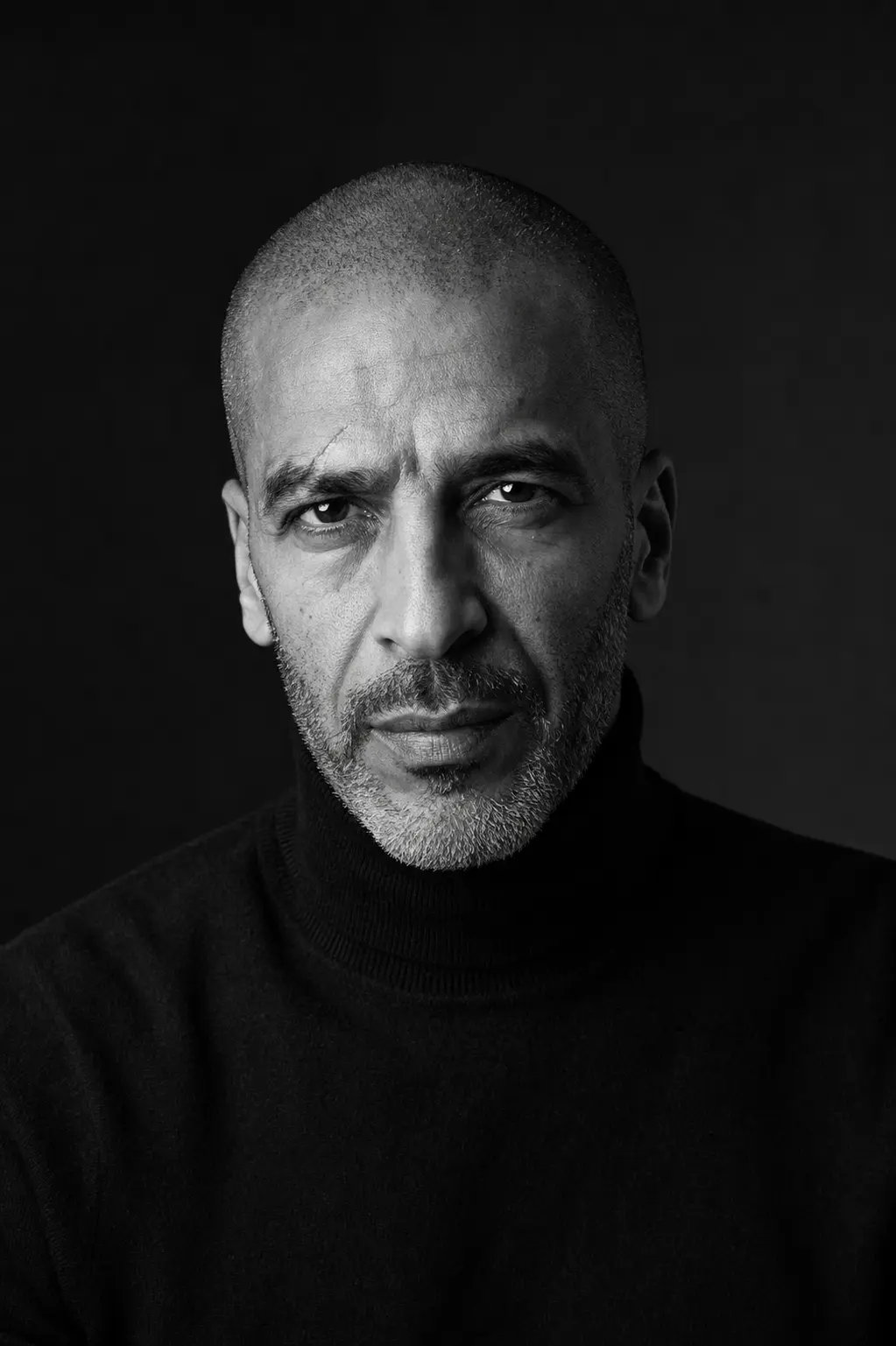
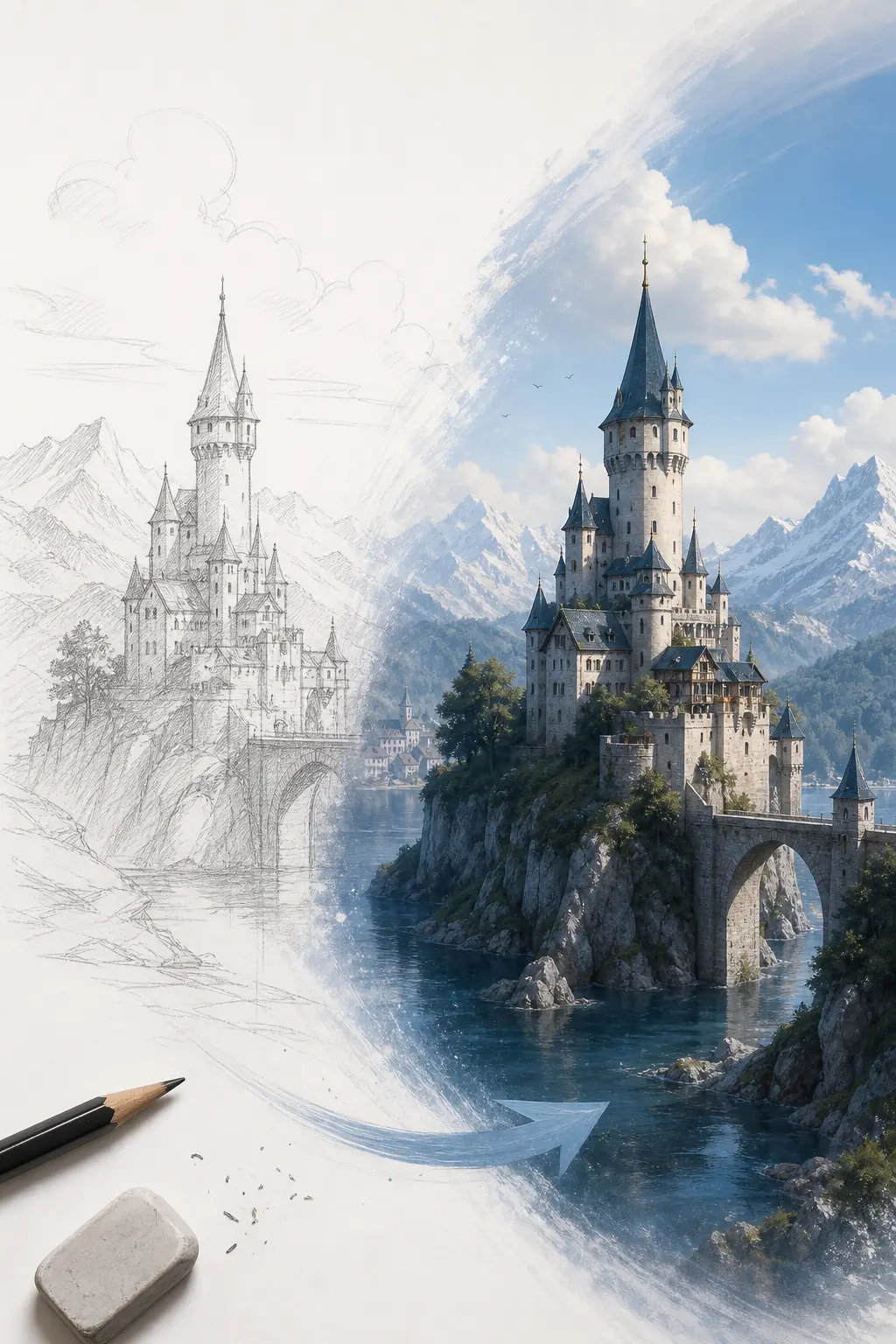
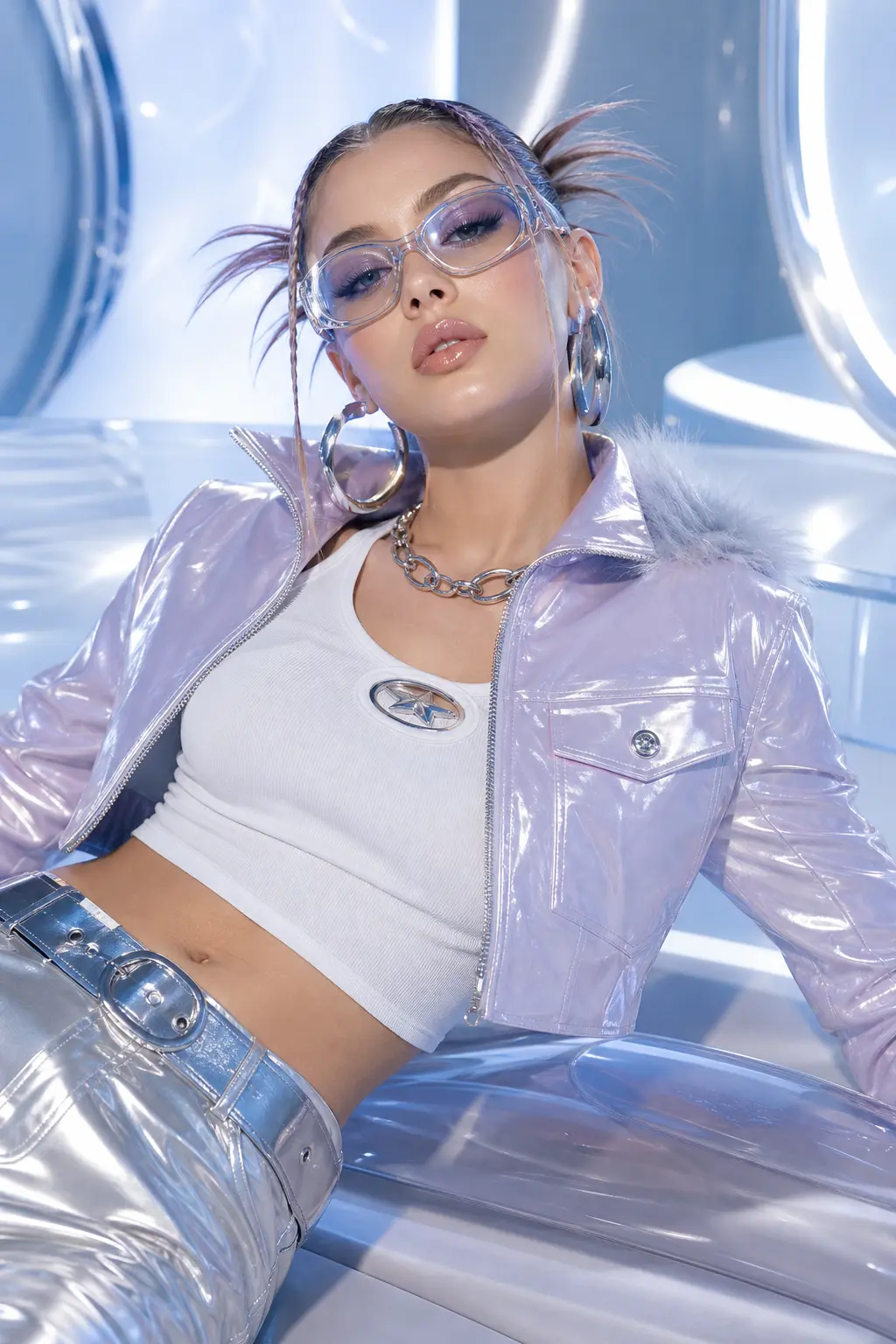
A studio, not a single generator
Generate, edit, upscale, cut backgrounds, turn stills into clips — same workspace, same credits, same draft history.
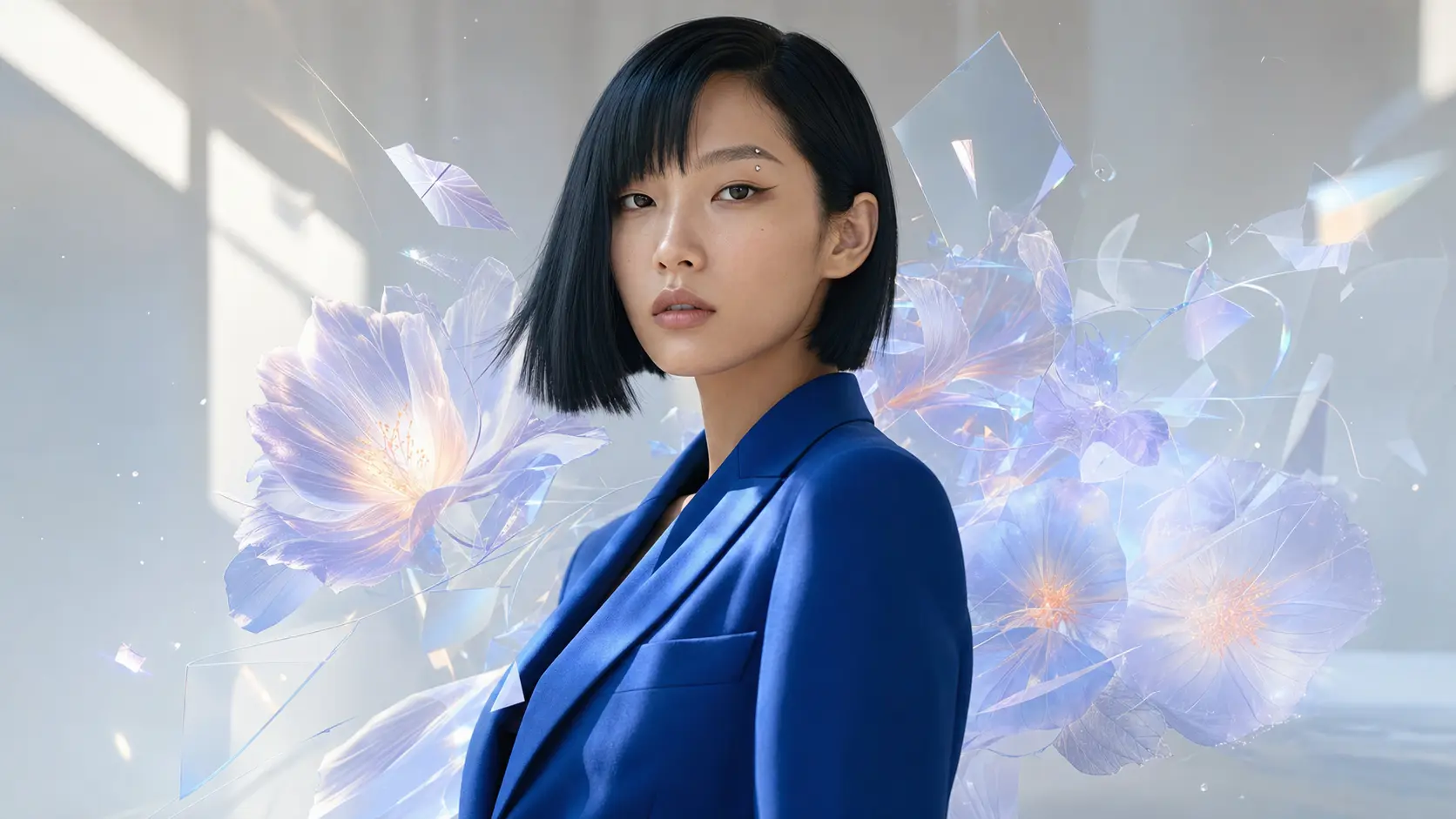
Text-to-Image
Describe it in words and get a ready-to-use image.
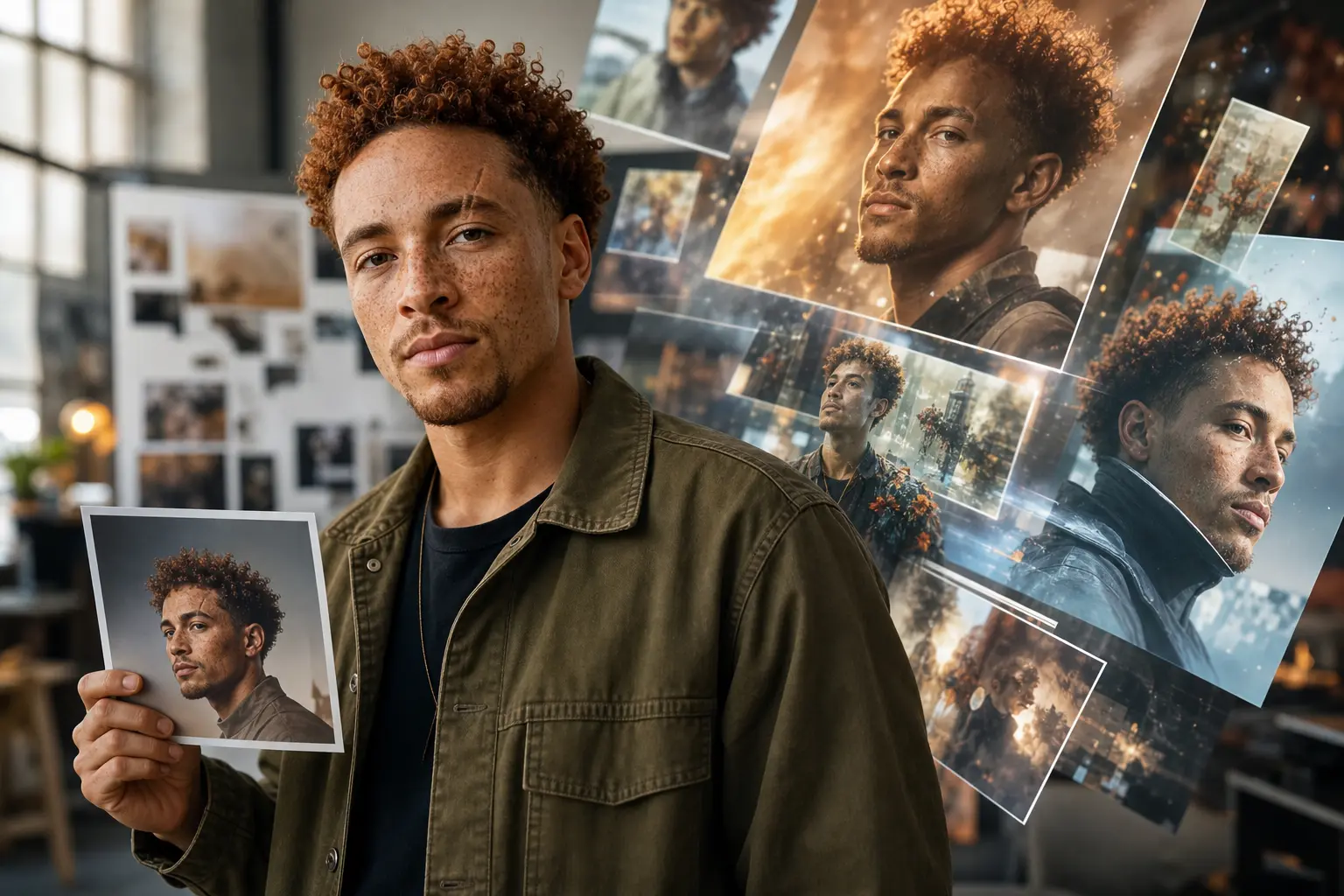
Image-to-Image
Upload a reference and reshape it with natural-language edits.
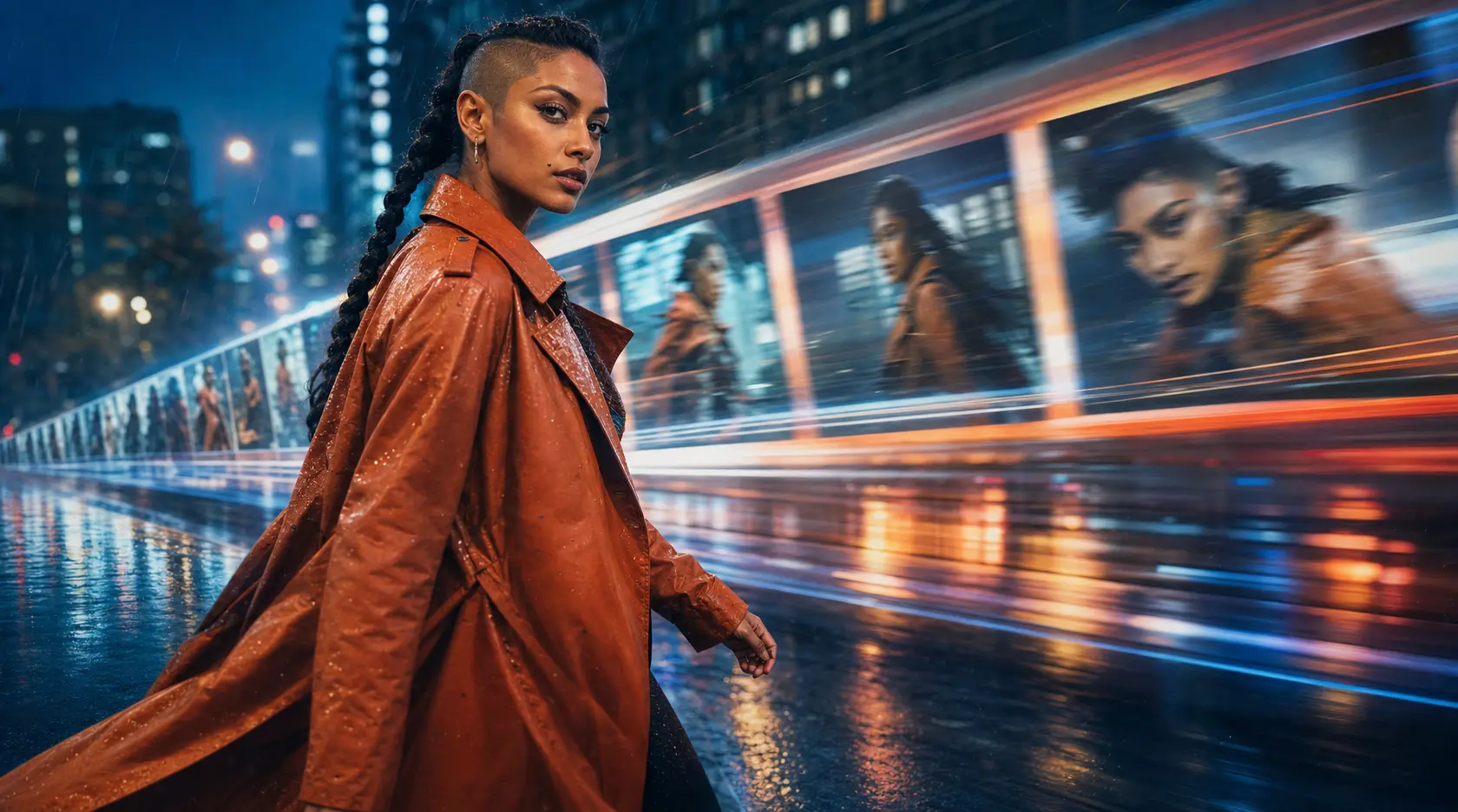
AI Video Generation
Text-to-video, image-to-video, and reference-to-video in one place.
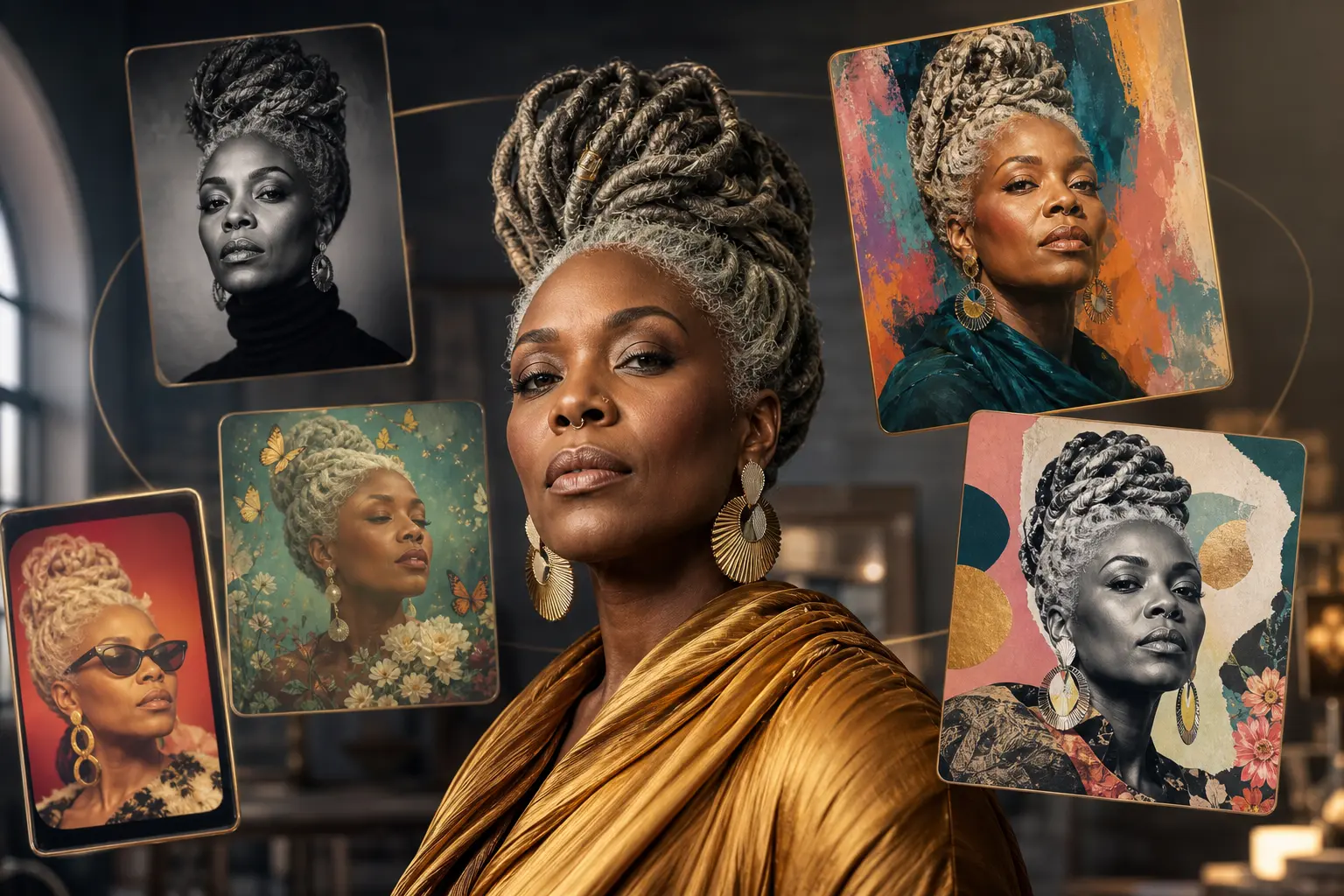
All Styles
Browse every style template in a single gallery.
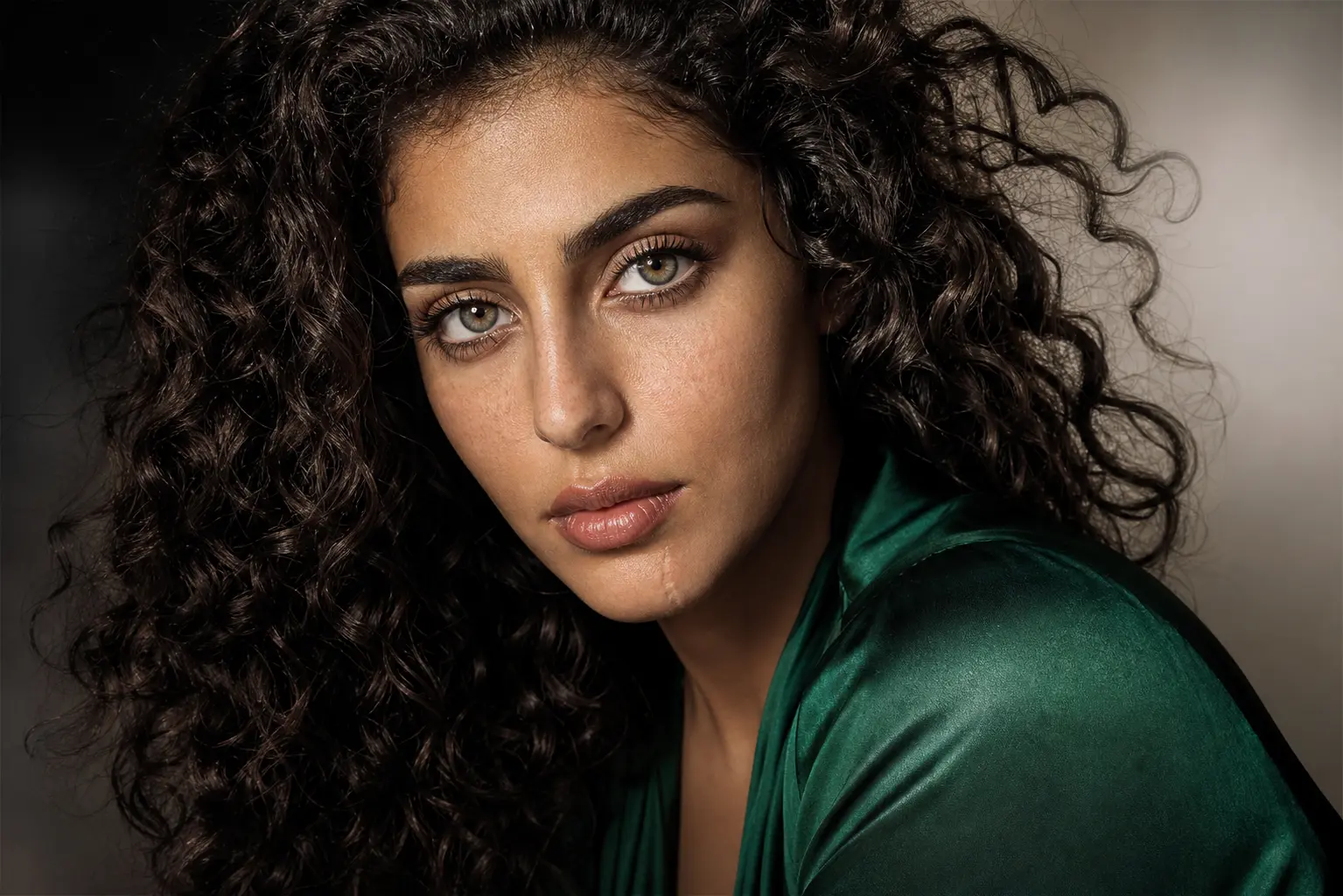
AI Image Upscaler
Upscale to 4K without losing detail.
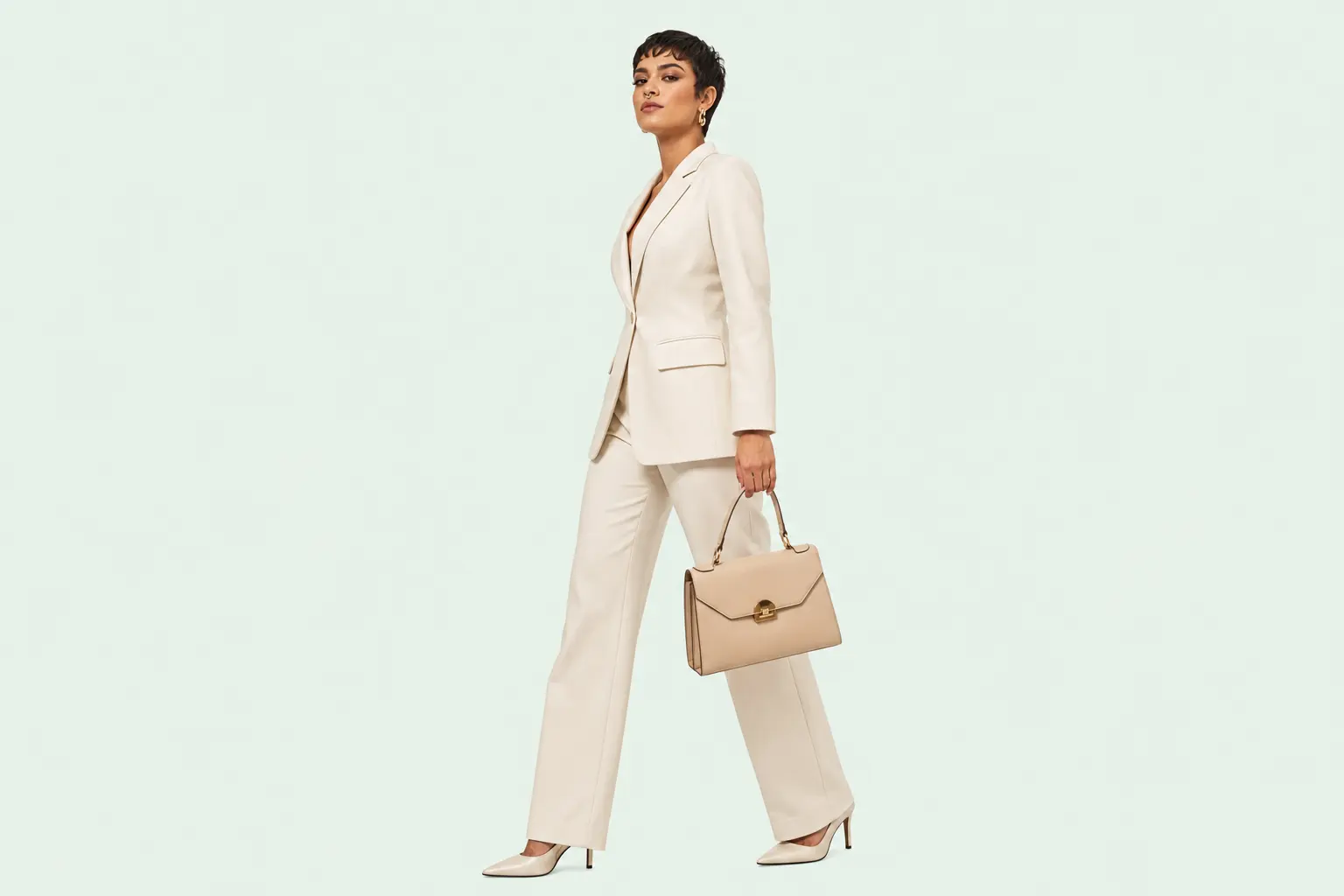
Remove Background
One-click background cutouts.
Fast fixes for the shots you already have
Swap a backdrop, remove a distraction, repaint one area, or extend the frame without leaving the Somniia workflow.
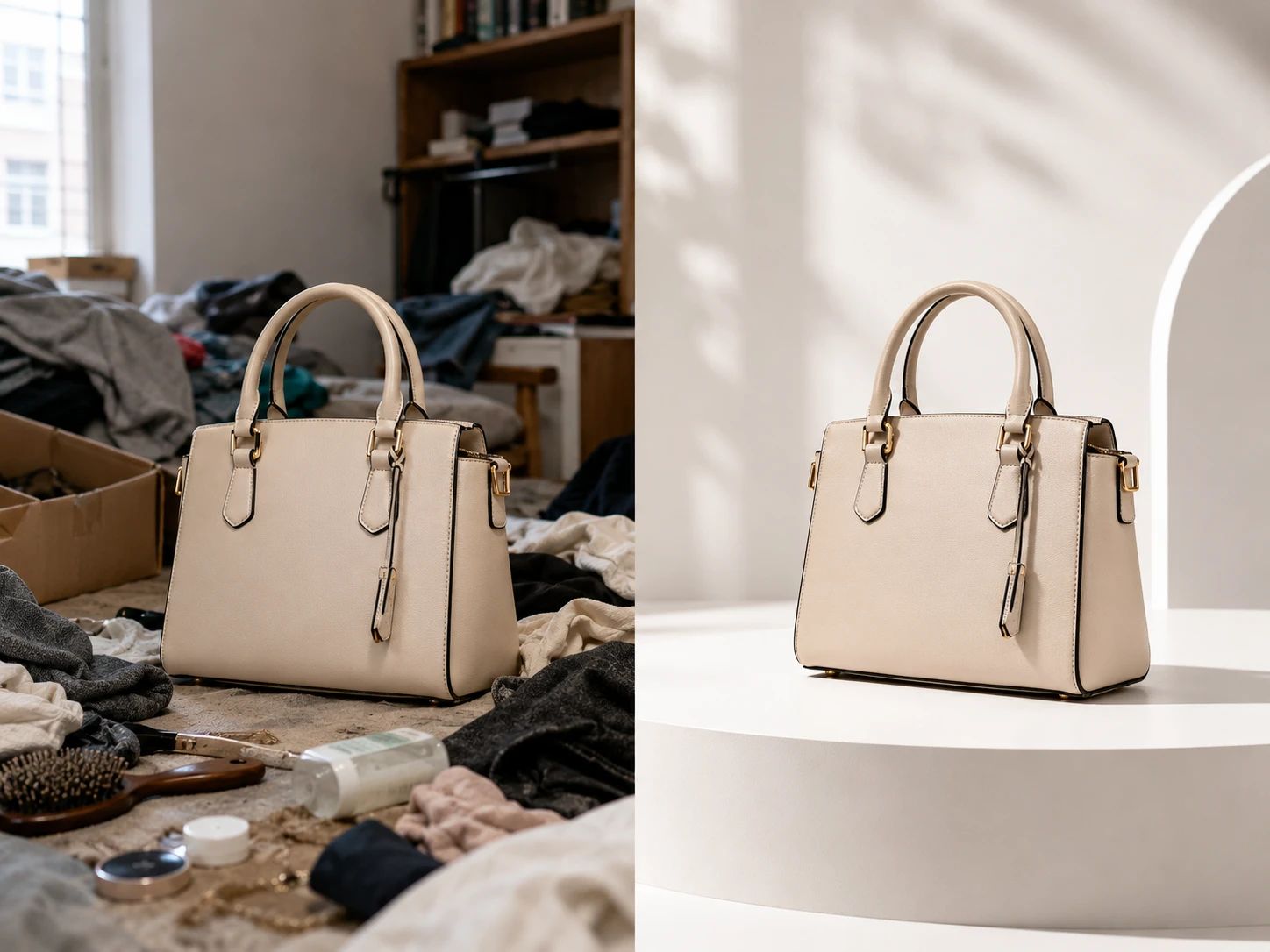
AI Background Changer
Replace plain or messy backgrounds with studio, lifestyle, or branded scenes.
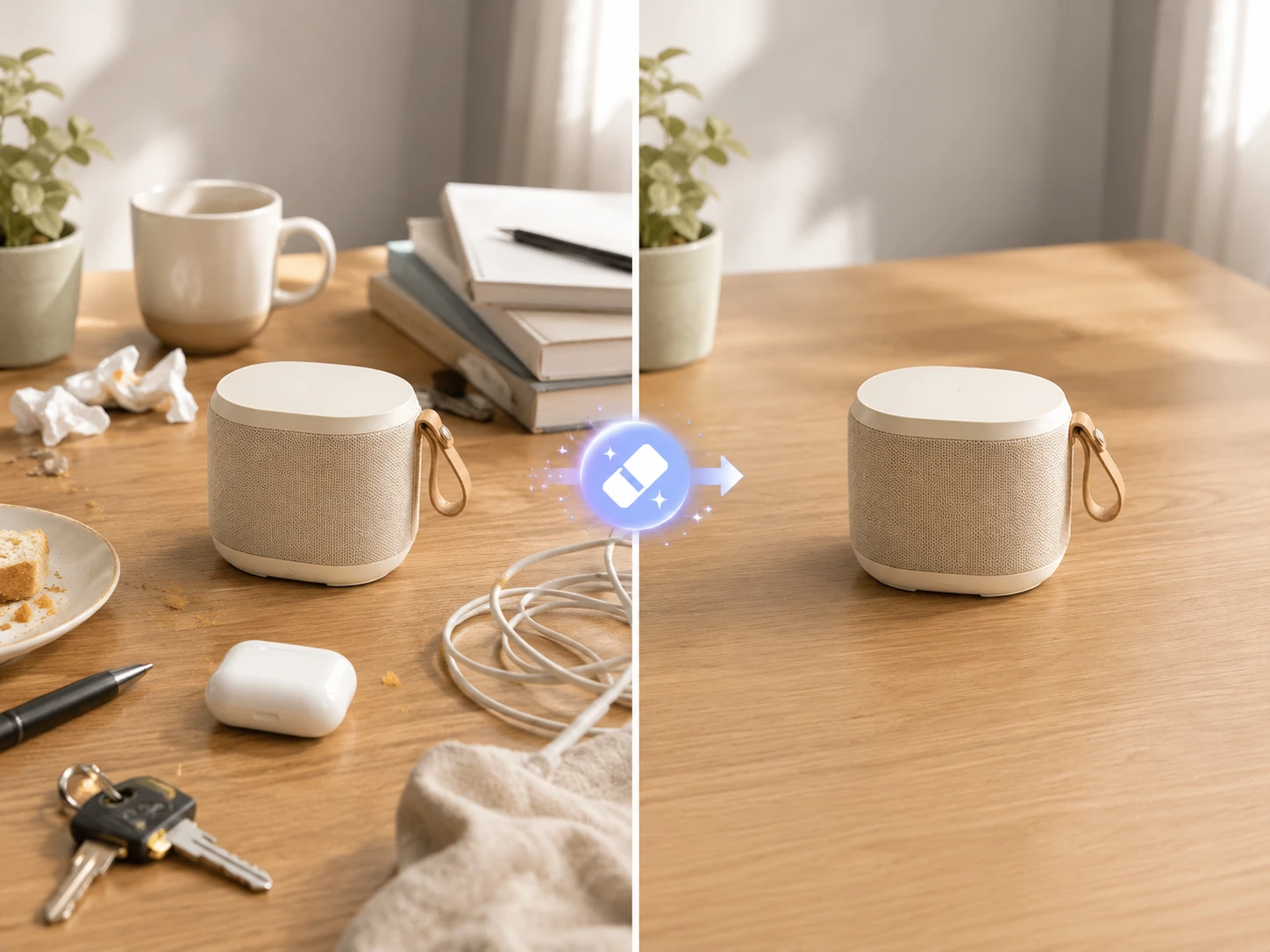
AI Object Remover
Brush away unwanted objects, people, blemishes, or visual clutter.
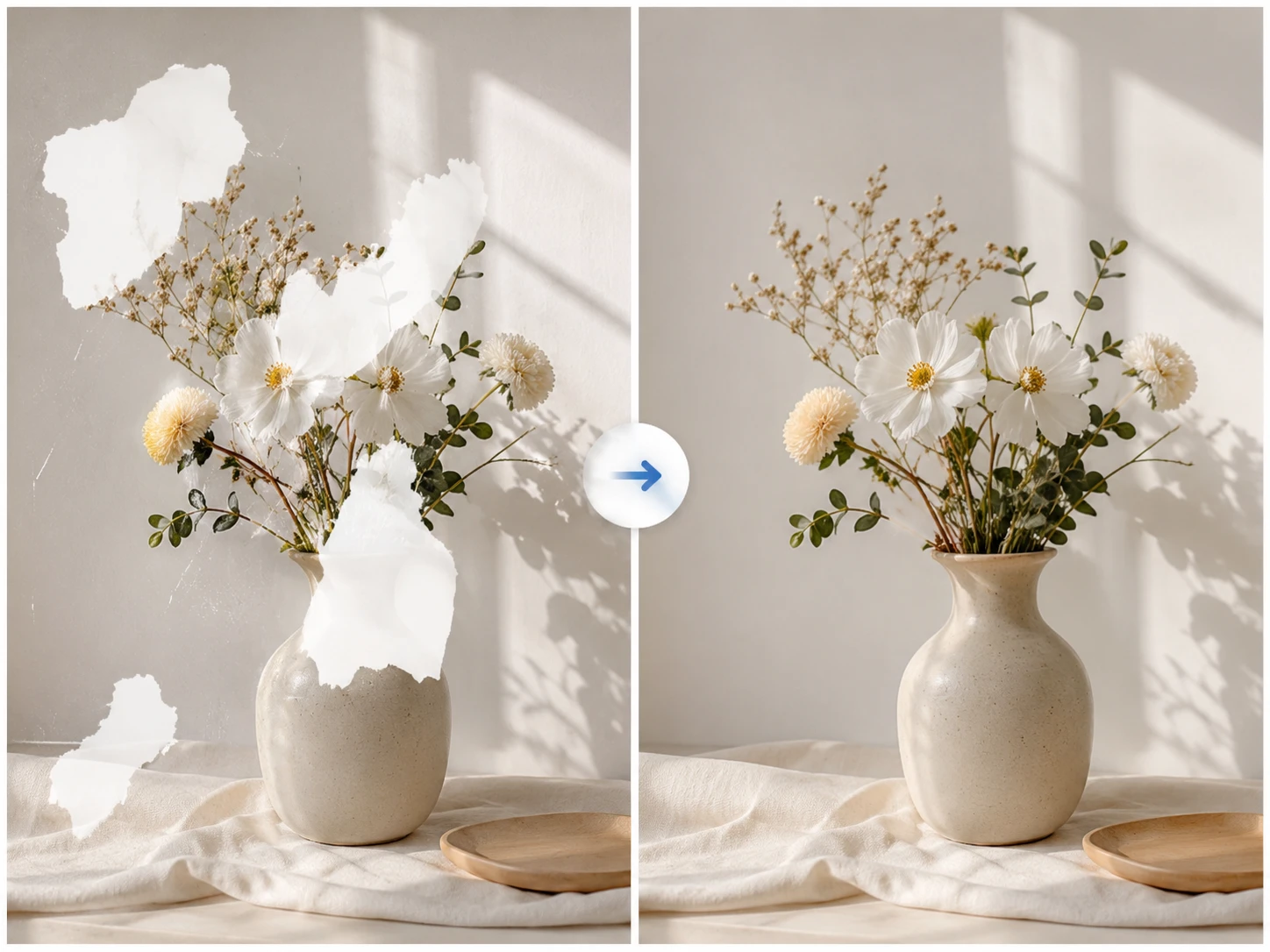
AI Image Inpaint
Mask one area and prompt a precise replacement while the rest stays put.
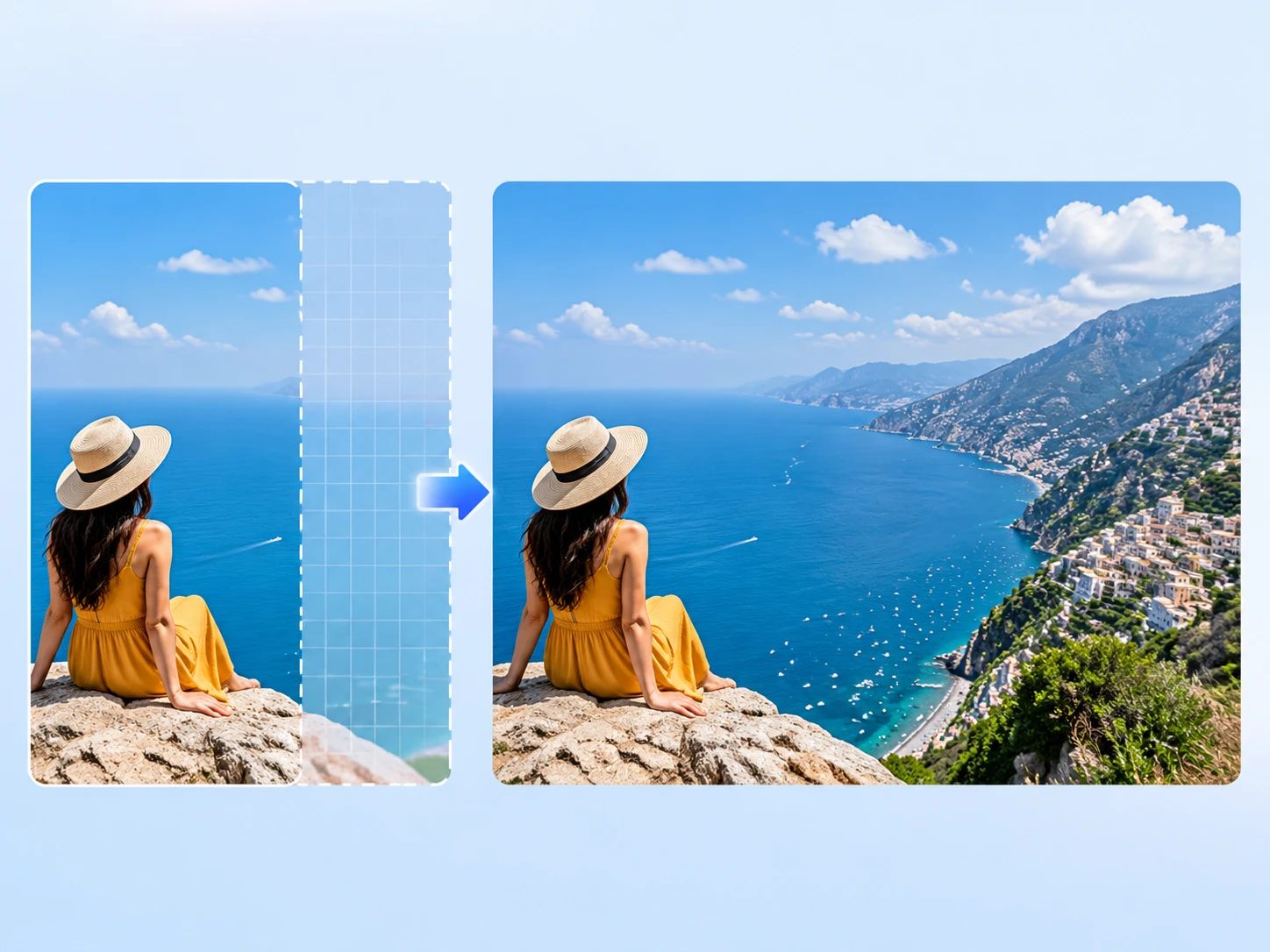
AI Image Extender
Uncrop tight images into covers, banners, ads, and wider layouts.
From first draft to final asset, in one creative workflow
Start with the asset you need, not the model menu. Bring the brief, choose the right generation path, then edit, upscale, and keep the whole draft history together.
Every leading model, one workspace
GPT Image 2 for typography, Nano Banana 2 for character work, Seedream for editorial — switch without losing your draft.
One workflow from draft to delivery
Generate, edit, upscale, and revisit drafts without scattering assets across different tools.
Text that actually reads
Multilingual typography sharp enough to ship on a poster — English, Chinese, Japanese, Arabic, the lot.
Characters that carry across frames
Lock a face, an outfit, a product. Keep it consistent from a single still to a full character sheet.
From a prompt to a clip
Text, image, or reference — the same workflow takes you all the way to video when you're ready.
Generate and edit, no tool-swapping
Mask, recompose, or remix in place. The workspace stays open while the work changes.
Three steps to your first AI image
We didn't invent a new workflow. We just took the one you already have and stopped making you switch tools halfway through.
- Step 01
Bring the brief
Write a prompt, drop a reference, or both. Whatever you have on hand — we'll take it from there.
- Step 02
Pick the model that fits
Need crisp text? Character consistency? Editorial mood? Each draft tells you which model handled it best so you stop guessing.
- Step 03
Iterate until it's right
Stills in seconds, clips in minutes. Edit in place, swap models mid-revision, or download and keep moving.
From a single hero shot to a weekly campaign cadence
Same studio, same draft history. Whatever you're shipping, it ends here.
Product photography
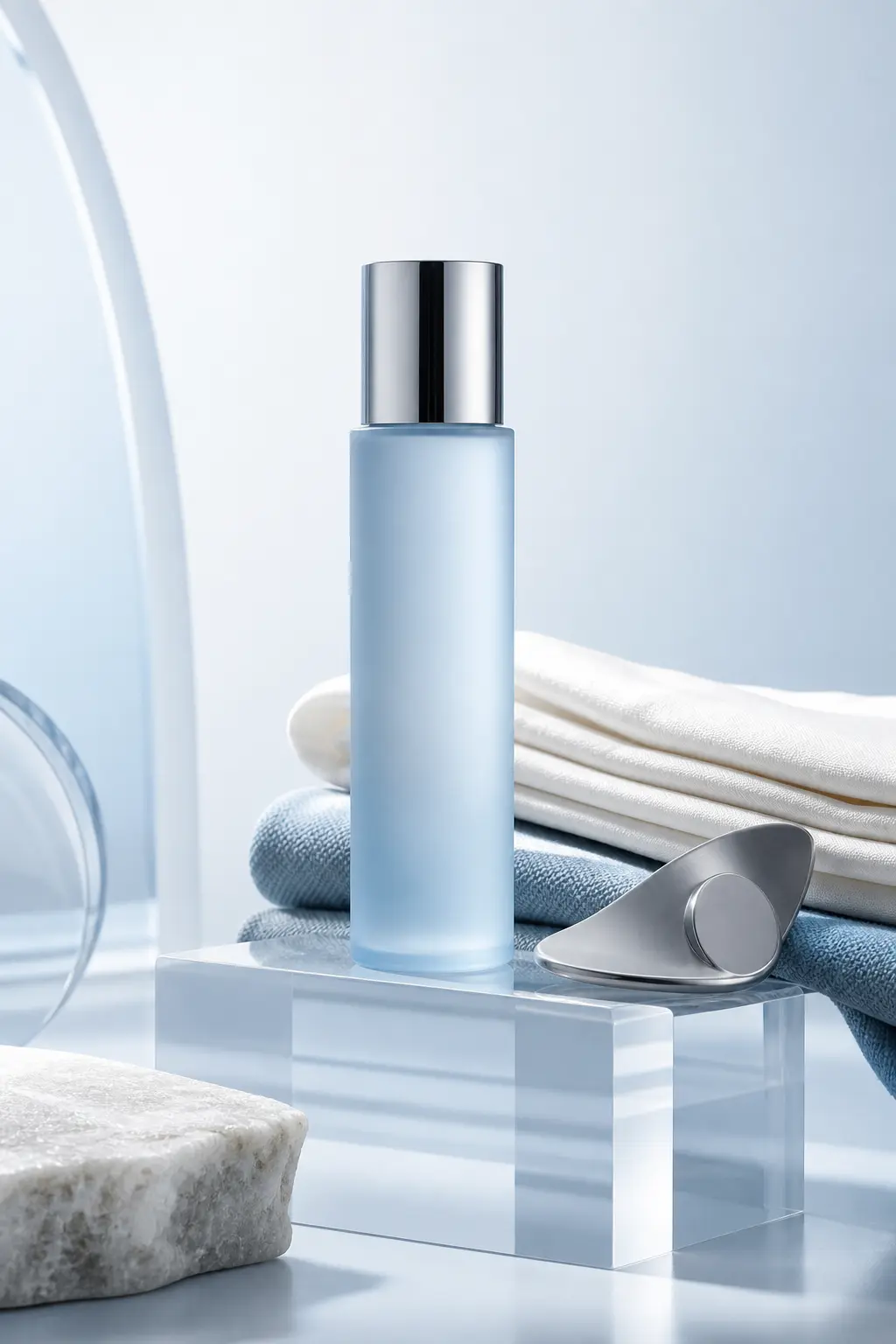
Translucent bottles, layered textiles, polished hardware — clean studio lighting on demand.
Marketing campaigns
Multilingual posters, social cuts, and seasonal banners with text that reads sharp at 4K.
Character & story
Lock a face, outfit, and palette across an entire character sheet or short scene.
Editorial concepts
Magazine-grade portraits and lifestyle scenes that don't look like AI defaults.
Social content
Reels covers, thumbnails, and stories — start with a square, export to every ratio in one pass.
Infographics & diagrams
Turn data, recipes, and reasoning into accurate, readable visual explainers.
Numbers that map to the work, not the marketing
Spec-driven, not vanity metrics. Here's what the studio actually does for what you ship.
- 4KMax output resolutionPremium quality on supported models
- 14Reference images per generationBlend brand, character, and scene in one pass
- 5Subjects kept consistentAuthorized character references across stills and clips
- 30+Languages rendered as crisp textEnglish, Chinese, Japanese, Arabic, and more
What the first builders are shipping with it
I used to bounce between three tools to nail typography on a campaign poster. Somniia does it in one prompt — and the Chinese text actually reads.
MiraBrand designer · Multilingual campaign poster · GPT Image 2 Keeping the same character across an eight-panel sheet used to take a day of inpainting. Now it's a single reference upload.
DiegoIndie illustrator · Character sheet · Nano Banana Pro We replaced our placeholder product shots with Somniia outputs the same week we found it. Looks better than the stock we used to pay for.
PriyaE-commerce founder · Product hero · Nano Banana 2
Quotes from invited beta users; consent obtained, last names withheld.
Built around the assets people actually ship
Somniia started from a simple creative problem: the work does not end when a model returns one pretty image. Teams still need product heroes, ad variants, social crops, character references, and video clips that can move from draft to delivery.
We're an independent product with our own point of view on craft and our own brand. Not affiliated with any single model release. Models come and go; the studio stays.
Sign up takes a minute, free credits land in your account, and you can be making real work before you've finished your coffee.
Somniia FAQs
What people ask before signing up
Ready to make the next one?
Open the studio, drop a prompt or a reference, and keep going until the image feels right.