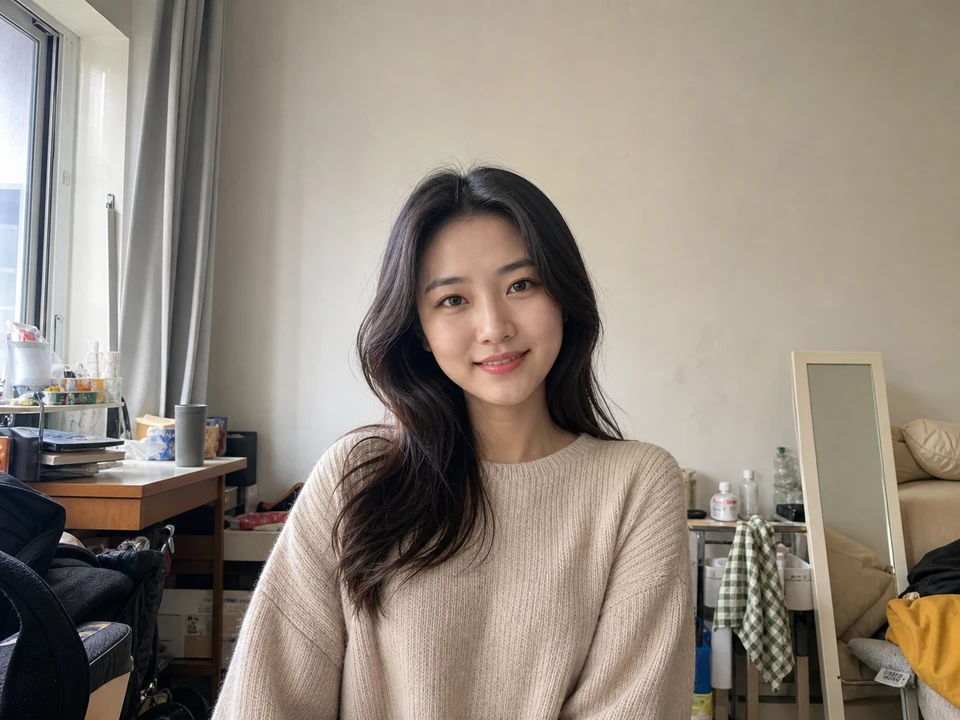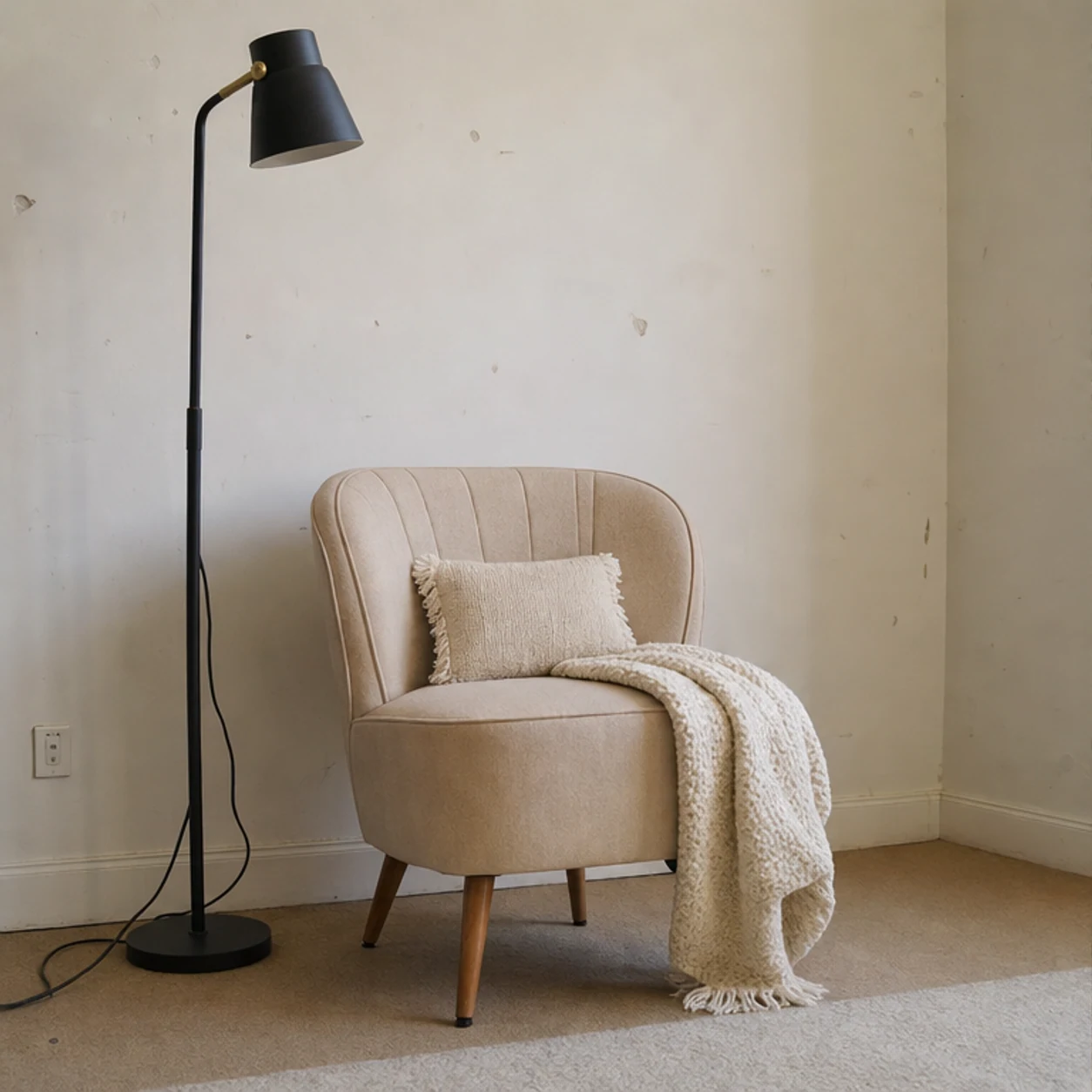
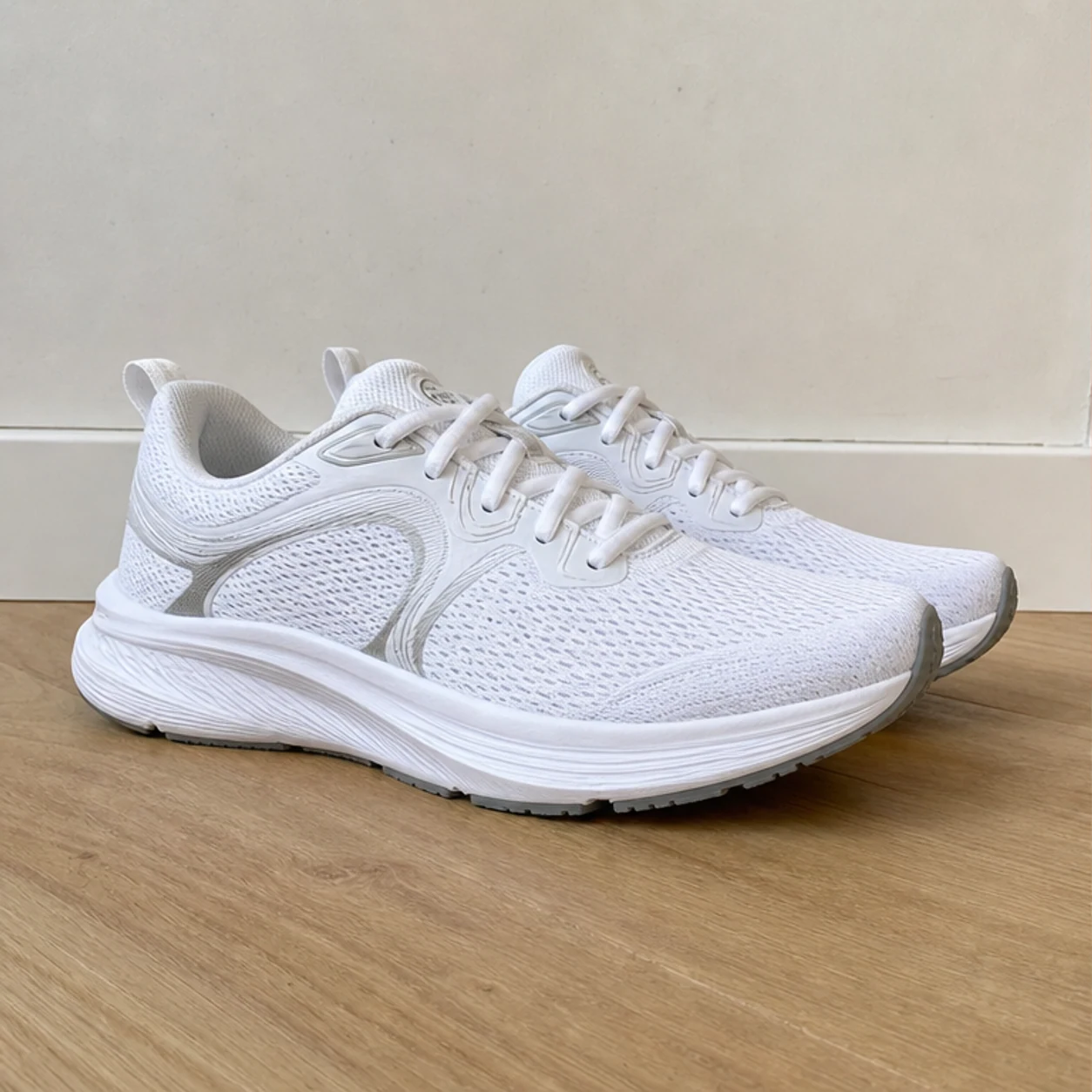
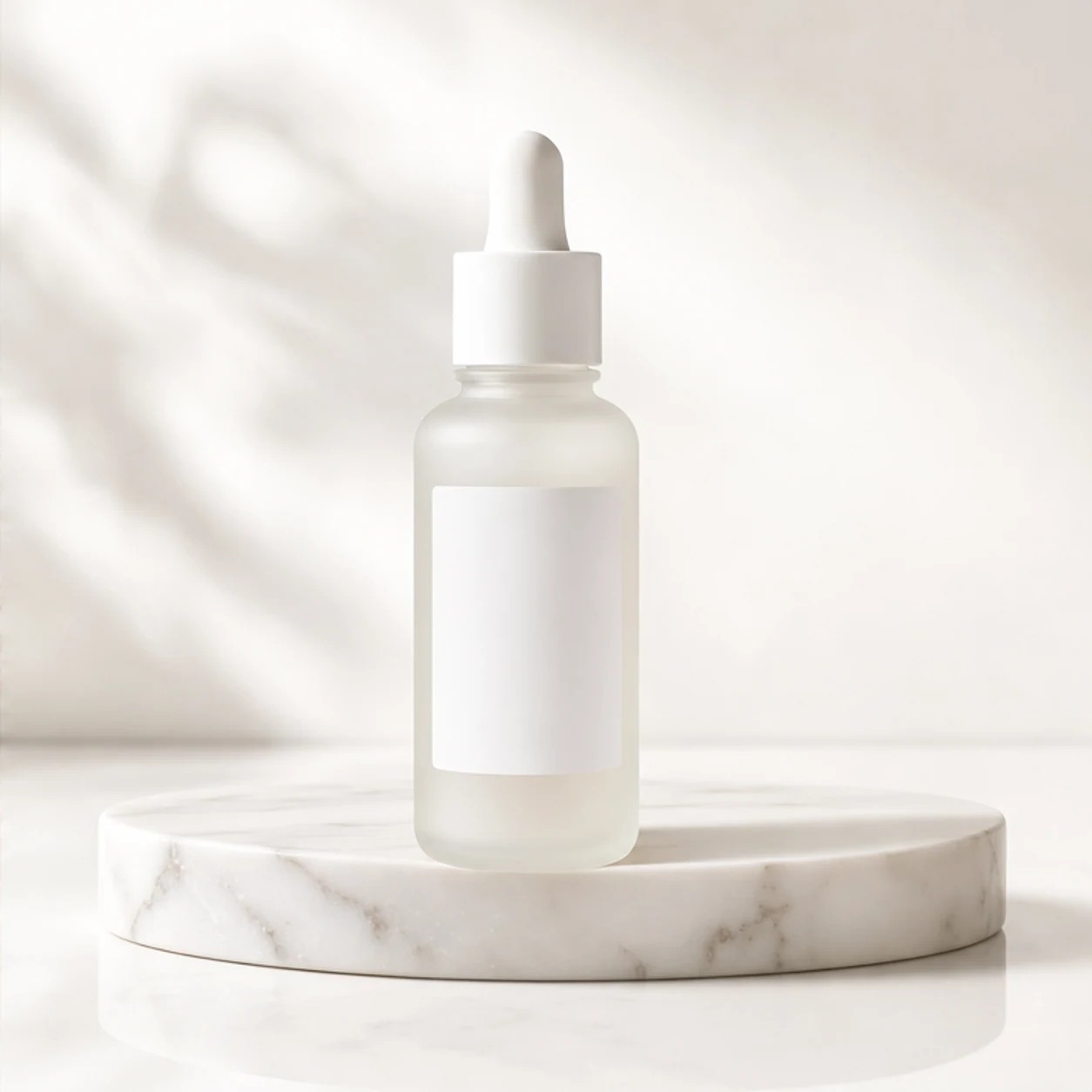
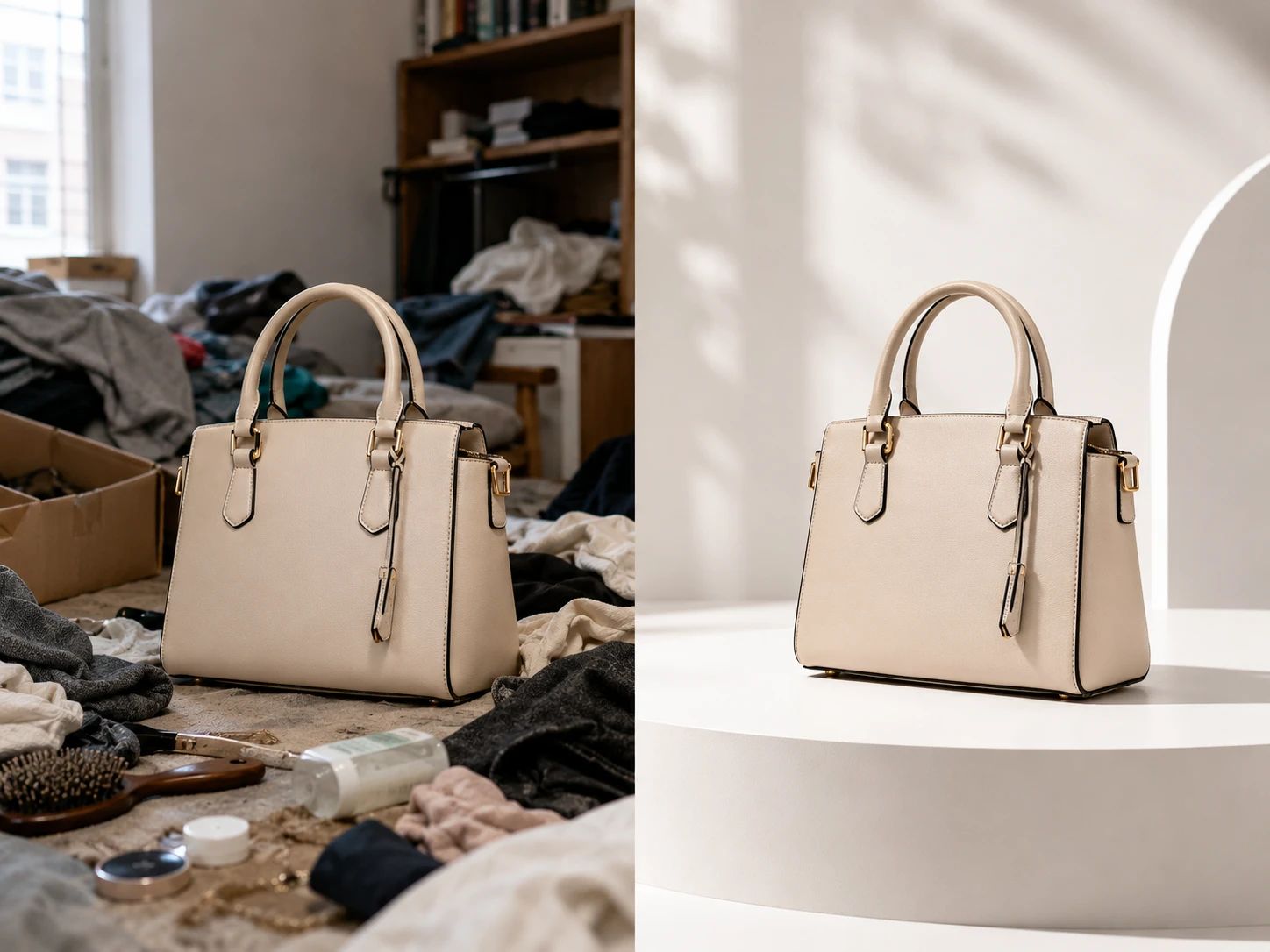
Before
After
01
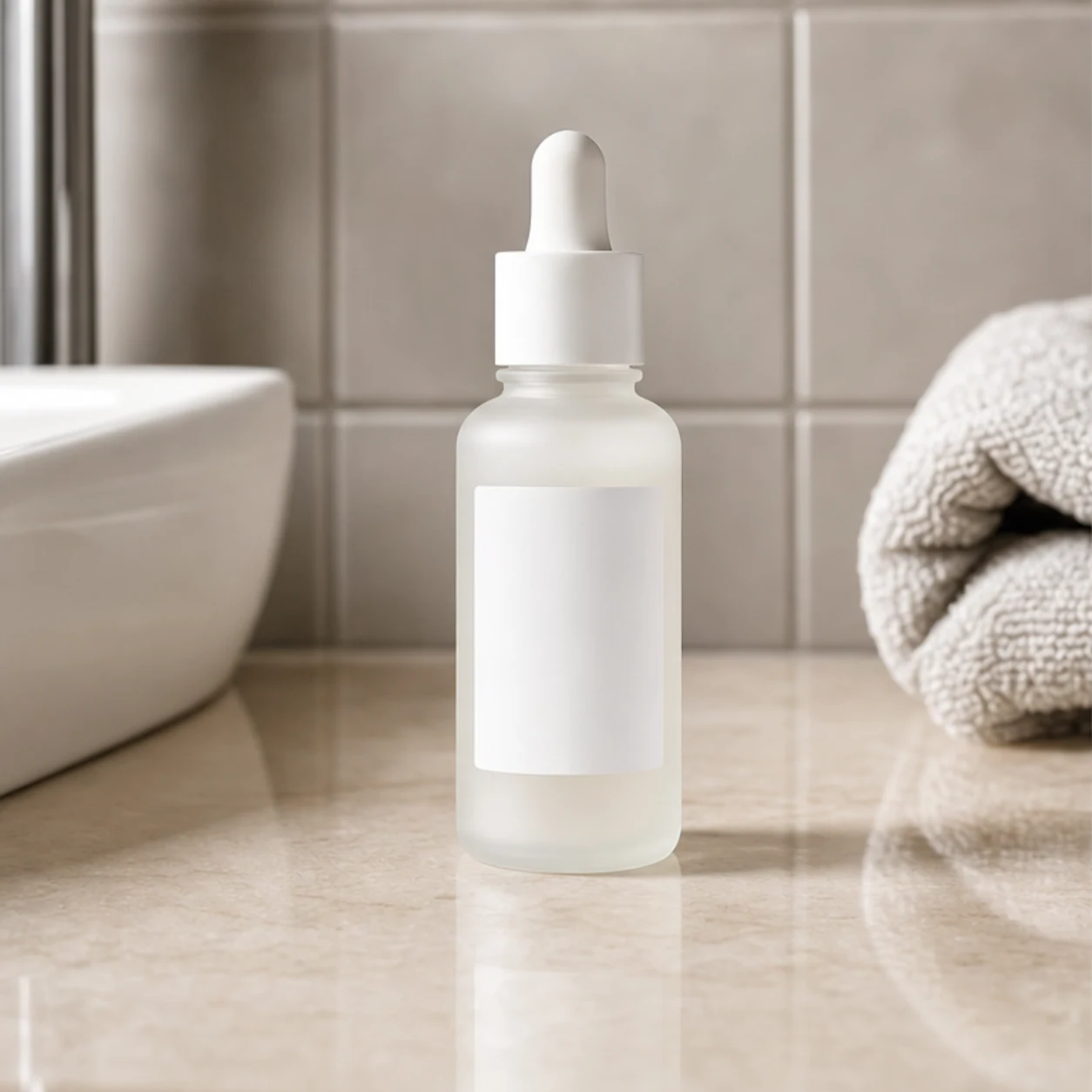
Plain shot to studio background
Turn a casual product snap into a clean ecommerce background while keeping the original item shape, edges, and shadows intact.
Change the background of any photo in seconds with our AI background changer. Upload an image, describe the scene you want, and AI replaces the background while keeping your subject sharp and natural.
Drop an image to start — your result appears here
10 credits per run
Upload a JPG, PNG, or WebP image up to 10MB.
Describe the new background you want, or pick a preset scene like studio white, outdoor, or gradient.
The AI background changer cuts out your subject, generates the new background, and returns a clean, ready-to-use image.
Three concrete moments where this tool saves a step.
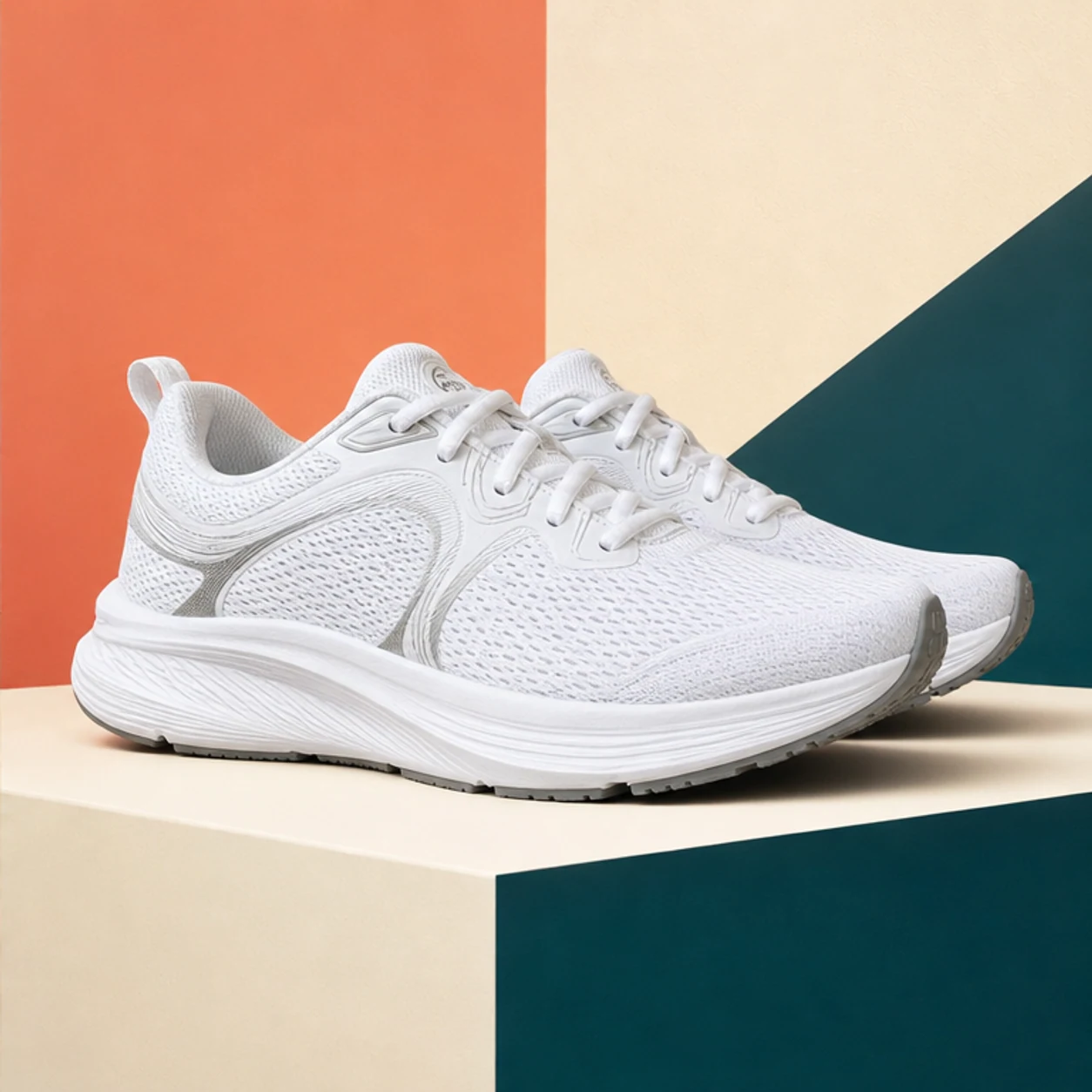
Place any product on clean studio white or a lifestyle background for marketplace listings and ads.
Change a cluttered room for a professional, brand-ready background in one step.
Generate on-brand campaign backgrounds and scroll-stopping posts without a photo studio.
Drag each image to see what changes, then run the same workflow on your own upload.
Turn a casual product snap into a clean ecommerce background while keeping the original item shape, edges, and shadows intact.
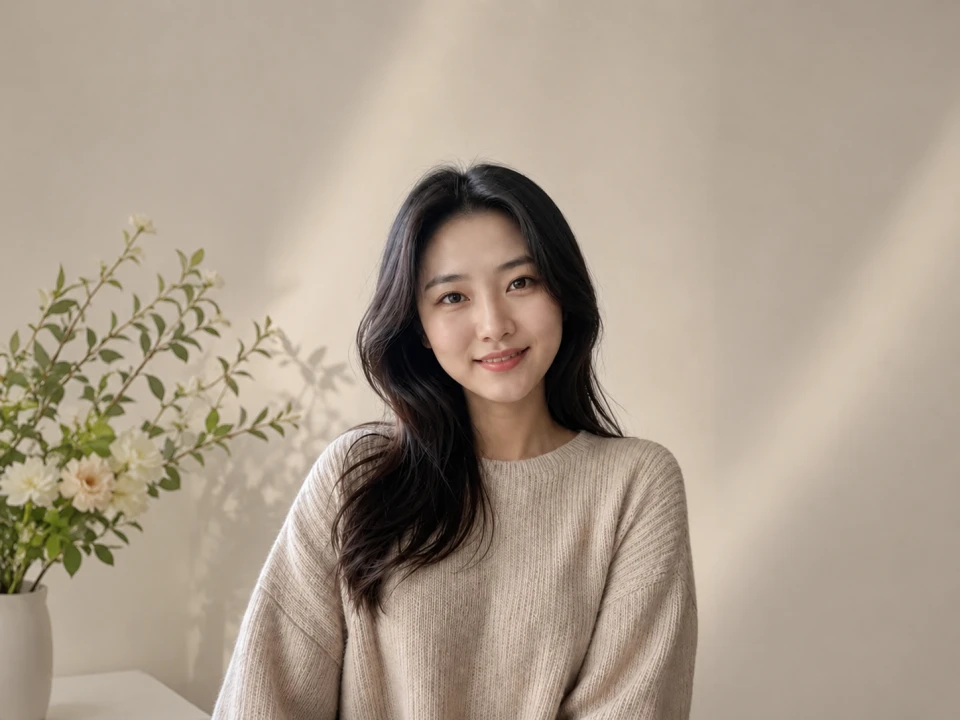
Change the background behind people in messy rooms to polished profile, team, or campaign backdrops that still feel photographed.
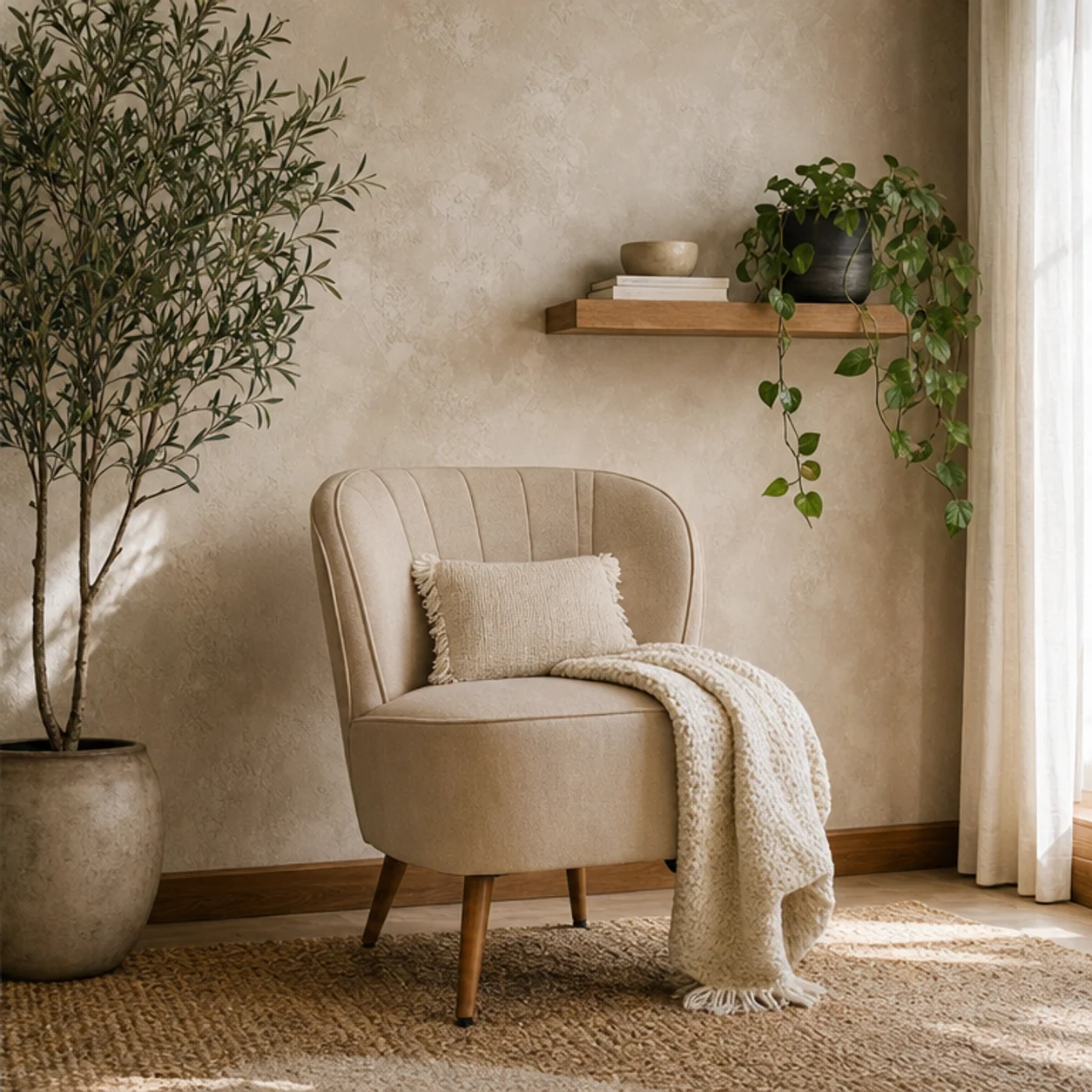
Replace a flat background with a contextual scene for ads, social posts, and marketplace listings.
Describe the scene in words and the tool builds a matching backdrop — no stock hunting or manual compositing.
Edges, hair, and lighting are preserved so the new background looks like a real photo, not a paste-up.
Results land in your Somniia history, ready to upscale, restyle, or reuse without leaving the app.
Faster than the standalone tools I was paying for, and it's already wired to my image generator.
Half my workflow disappeared the day I realized I could prompt, upscale, and prep all in one tab.
The image-to-prompt step turned a slow part of my job into a 10-second copy-paste.
Quotes from invited beta users; consent obtained, last names withheld.
GPT Image 2
GPT Image 2 takes a long brief and gives back a finished image with the type set right, the references locked, and the world it depicts true to life — what diffusion-only models still get wrong.
Nano Banana 2
Nano Banana 2 keeps the speed of the base model but adds a quality dial — preview at 1K, sign off at 2K, ship at 4K. The detail in faces, hands, and material textures survives the upscale.
AI Product Photography Generator — Product Hero AI
Turn ordinary product shots into hero-grade e-commerce visuals — lifestyle context, studio softbox setups, editorial flatlays — ready to drop into e-commerce listings, ad creative, and brand campaigns.
Fashion Collage Generator — AI Editorial Collage
Turn photos into editorial fashion collages — layered outfits, magazine-grade composition, clean negative space. Drop straight into brand moodboards, lookbook concepts, seasonal campaigns, and creative proposal visuals.
LinkedIn Headshot Generator
Upload a casual selfie and get a studio-grade LinkedIn headshot in 30 seconds. Somniia swaps in proper attire, cleans up lighting and background, and preserves your face — ready for LinkedIn, resumes, and team pages.