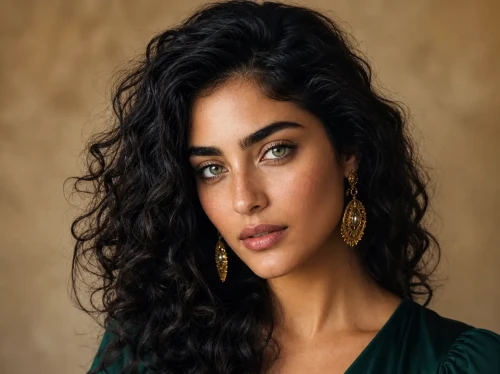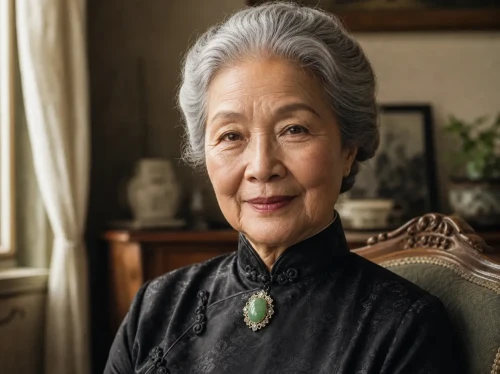
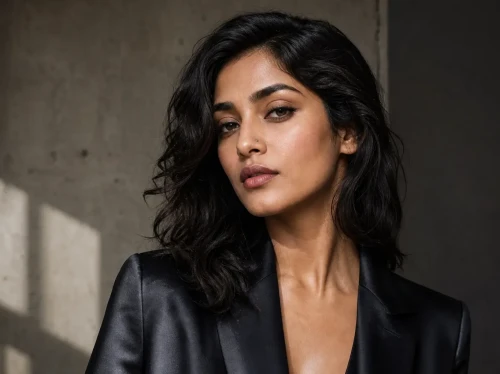
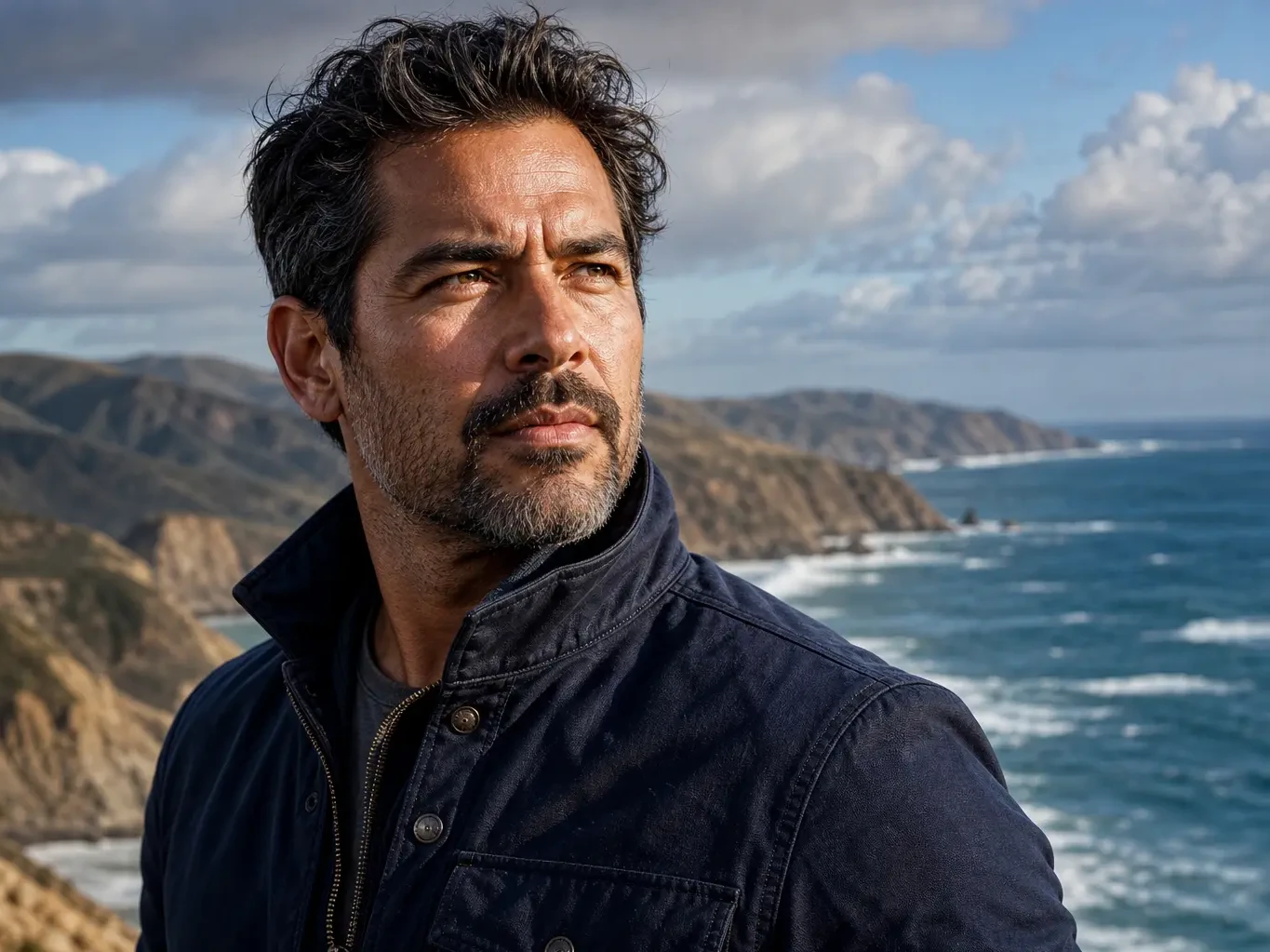
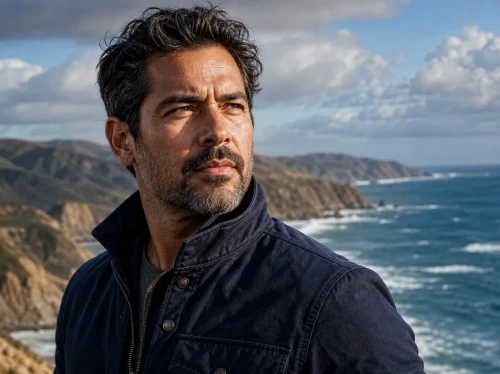
Before
After
01
Standard photo → 4K hero
Increase resolution for landing pages, decks, and large previews while keeping edges and fine texture crisp.
Upload one image, choose a scale factor, and upscale it through the existing Replicate upscaler integration.
Drop an image to start — your result appears here
1 credit per run
Upload a supported image under 10MB.
Choose 2x, 4x, or 8x scale and optional face enhancement.
Open or download the returned upscaled image.
Three concrete moments where this tool saves a step.
Recover detail from low-res family scans for archival prints.
Take a thumbnail and push it to 4K for the top of your landing page.
Upscale a draft from Nano Banana before the final touch-up pass.
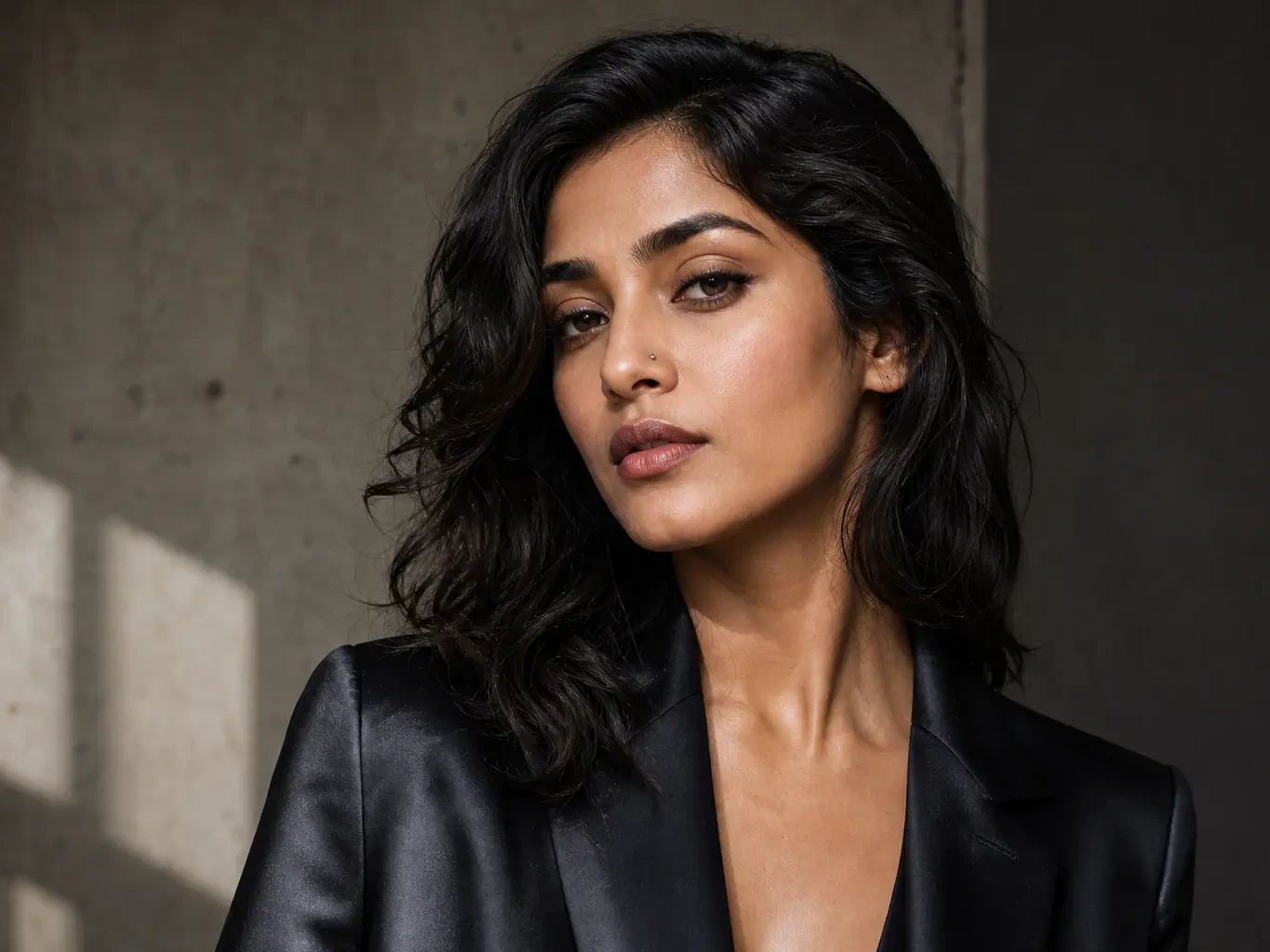
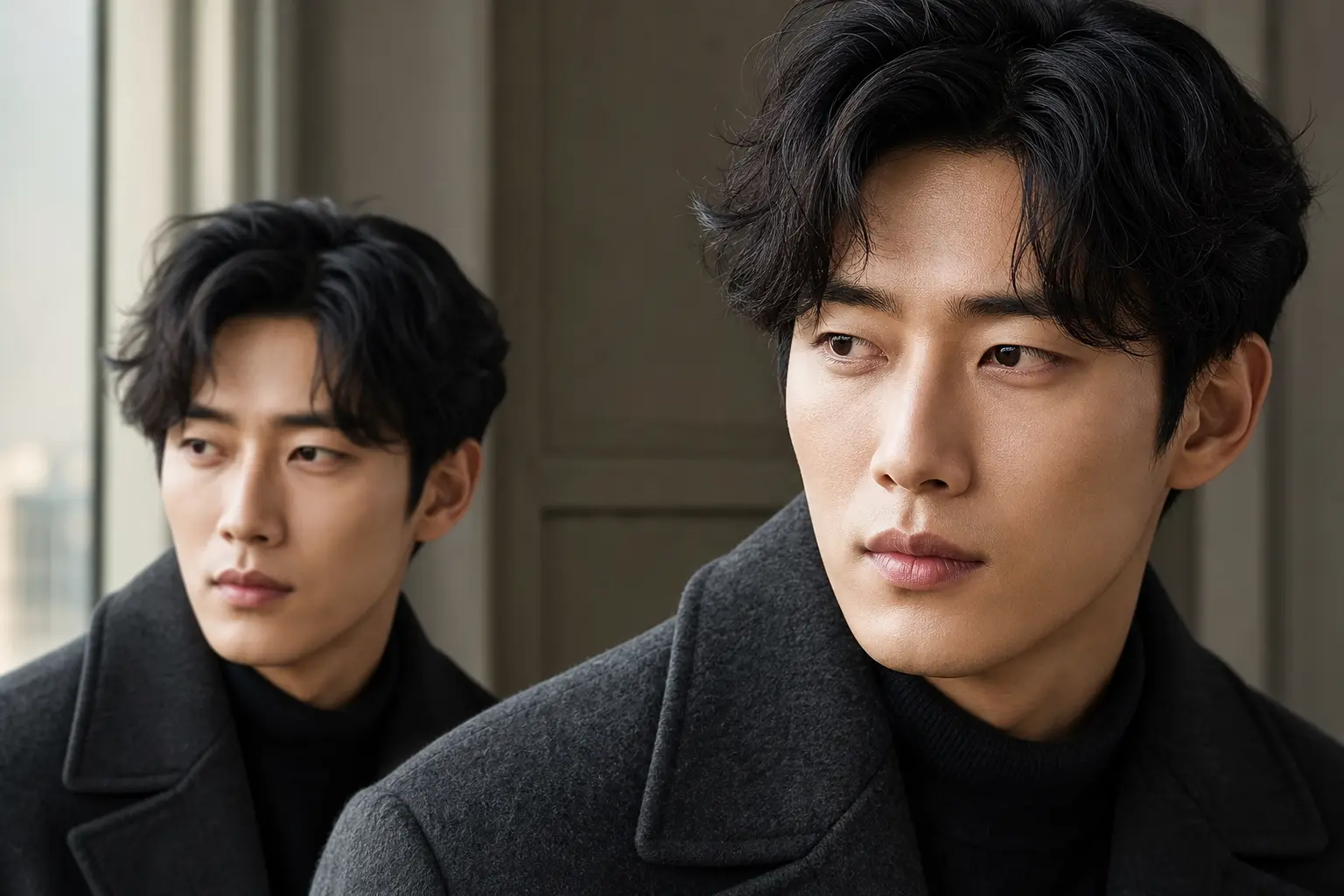
Drag each image to see what changes, then run the same workflow on your own upload.
Increase resolution for landing pages, decks, and large previews while keeping edges and fine texture crisp.
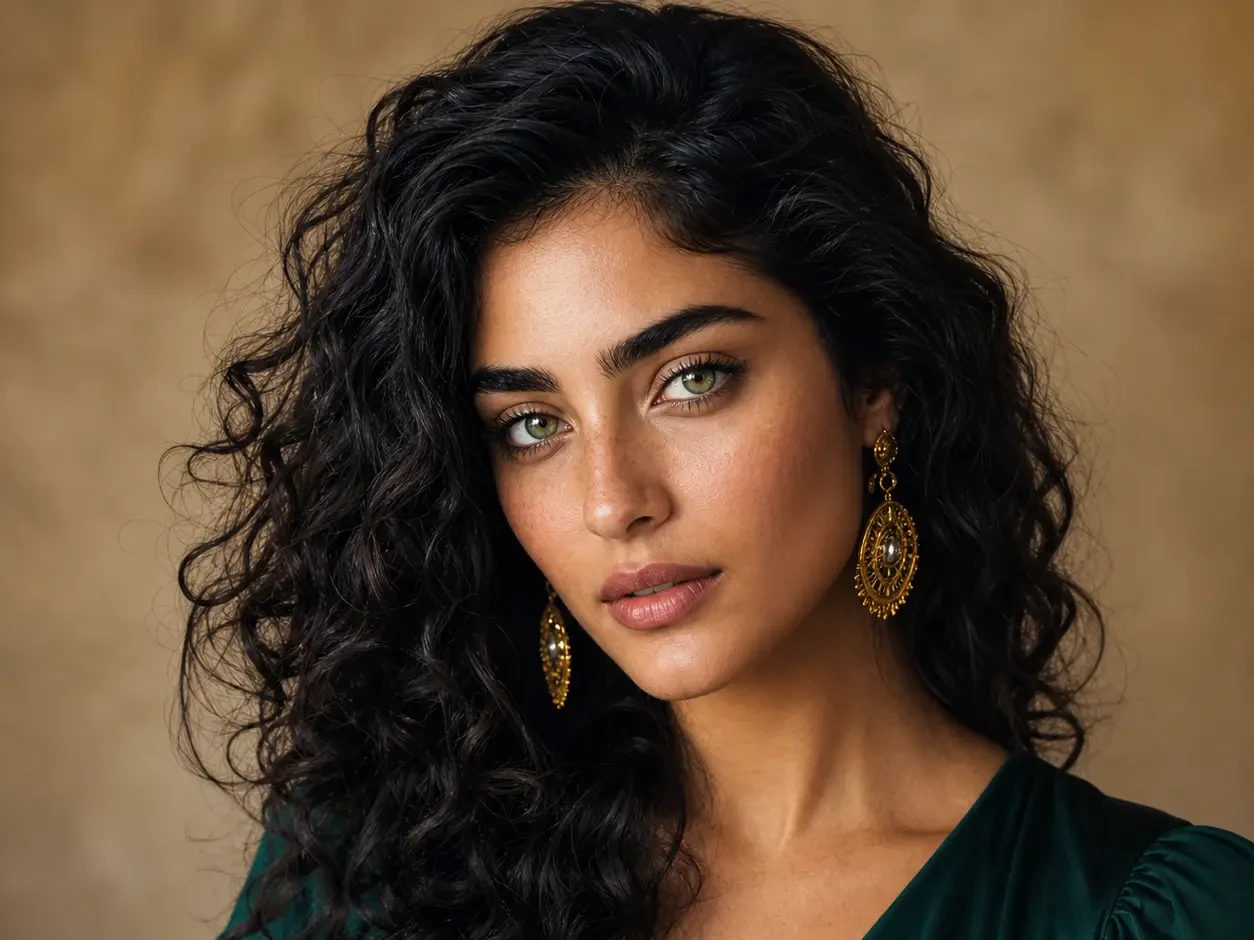
Recover portrait detail from small web images with optional face enhancement for a natural final look.
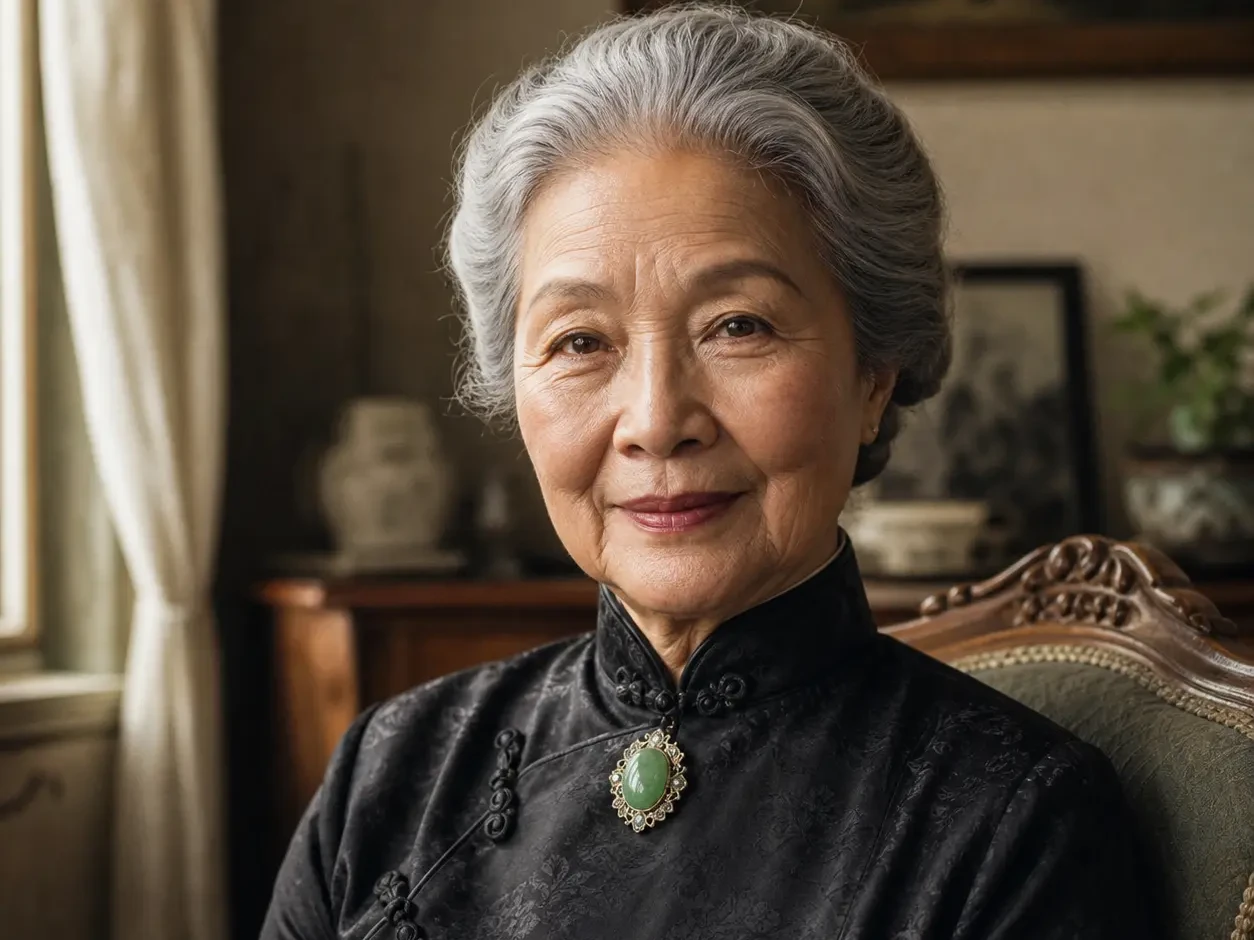
Prepare older scans and compressed images for higher-quality sharing, printing, and restoration workflows.
We didn't roll our own — we route through the same model production studios use.
Toggle face-specific cleanup on or off; portraits look natural, not waxy.
Pick the scale once; result lands in seconds for most images.
Faster than the standalone tools I was paying for, and it's already wired to my image generator.
Half my workflow disappeared the day I realized I could prompt, upscale, and prep all in one tab.
The image-to-prompt step turned a slow part of my job into a 10-second copy-paste.
Quotes from invited beta users; consent obtained, last names withheld.
Nano Banana 2
Nano Banana 2 keeps the speed of the base model but adds a quality dial — preview at 1K, sign off at 2K, ship at 4K. The detail in faces, hands, and material textures survives the upscale.
GPT Image 2
GPT Image 2 takes a long brief and gives back a finished image with the type set right, the references locked, and the world it depicts true to life — what diffusion-only models still get wrong.
AI Old Photo Restoration
Upload old, faded, scratched, or low-contrast scans and Somniia repairs damage, restores detail, and recovers natural color — with optional realistic colorization for black and white prints, while preserving the original people and scene.
LinkedIn Headshot Generator
Upload a casual selfie and get a studio-grade LinkedIn headshot in 30 seconds. Somniia swaps in proper attire, cleans up lighting and background, and preserves your face — ready for LinkedIn, resumes, and team pages.
AI Glow Up Filter — Natural Beauty Portrait
Upload a portrait or selfie and the AI Glow Up filter gently lifts skin, eyes, lighting, and overall energy — same person, but as if a professional photographer reshot you. Identity preserved, ready for avatars, IG content, and personal brand pages.