
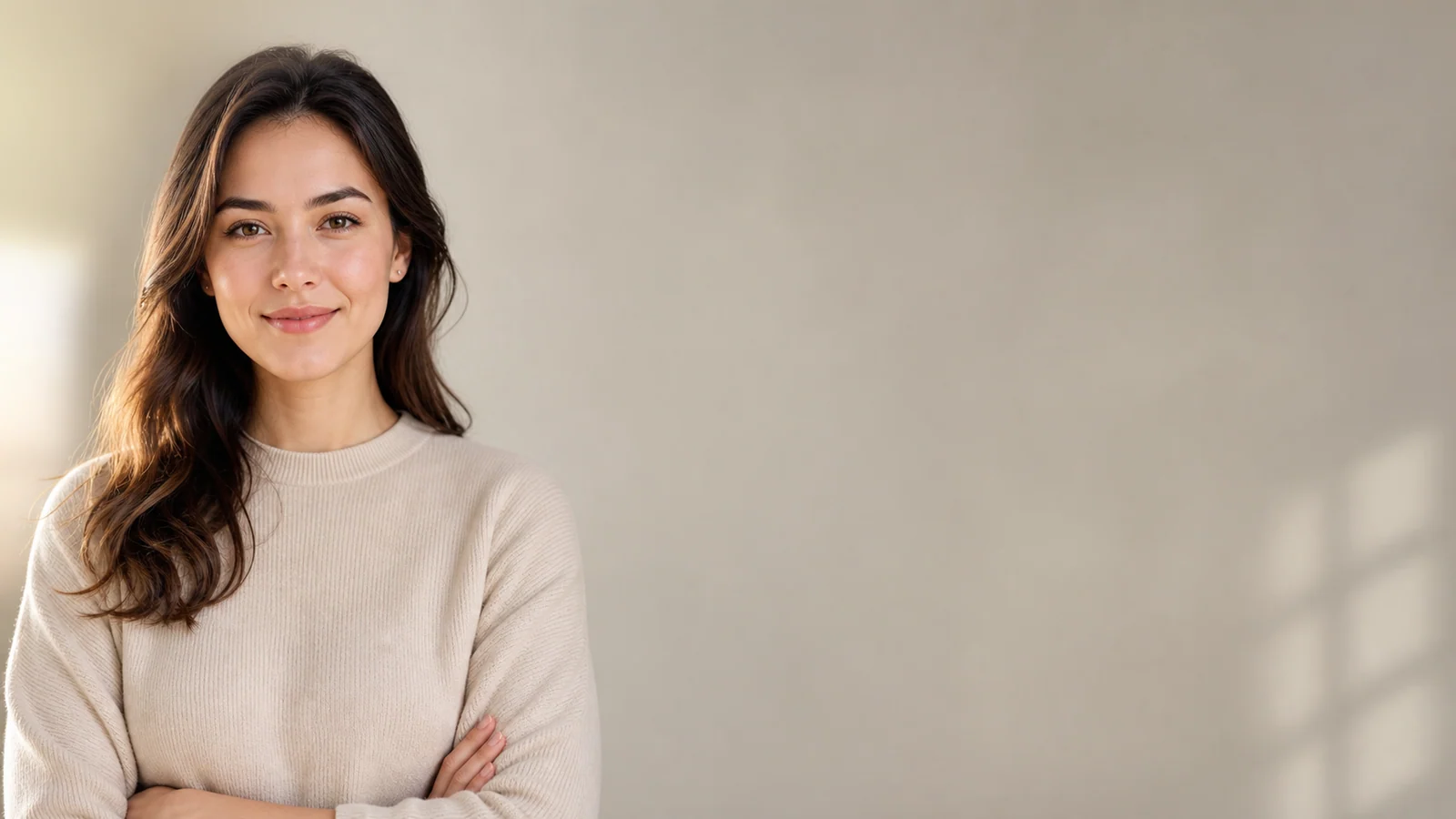
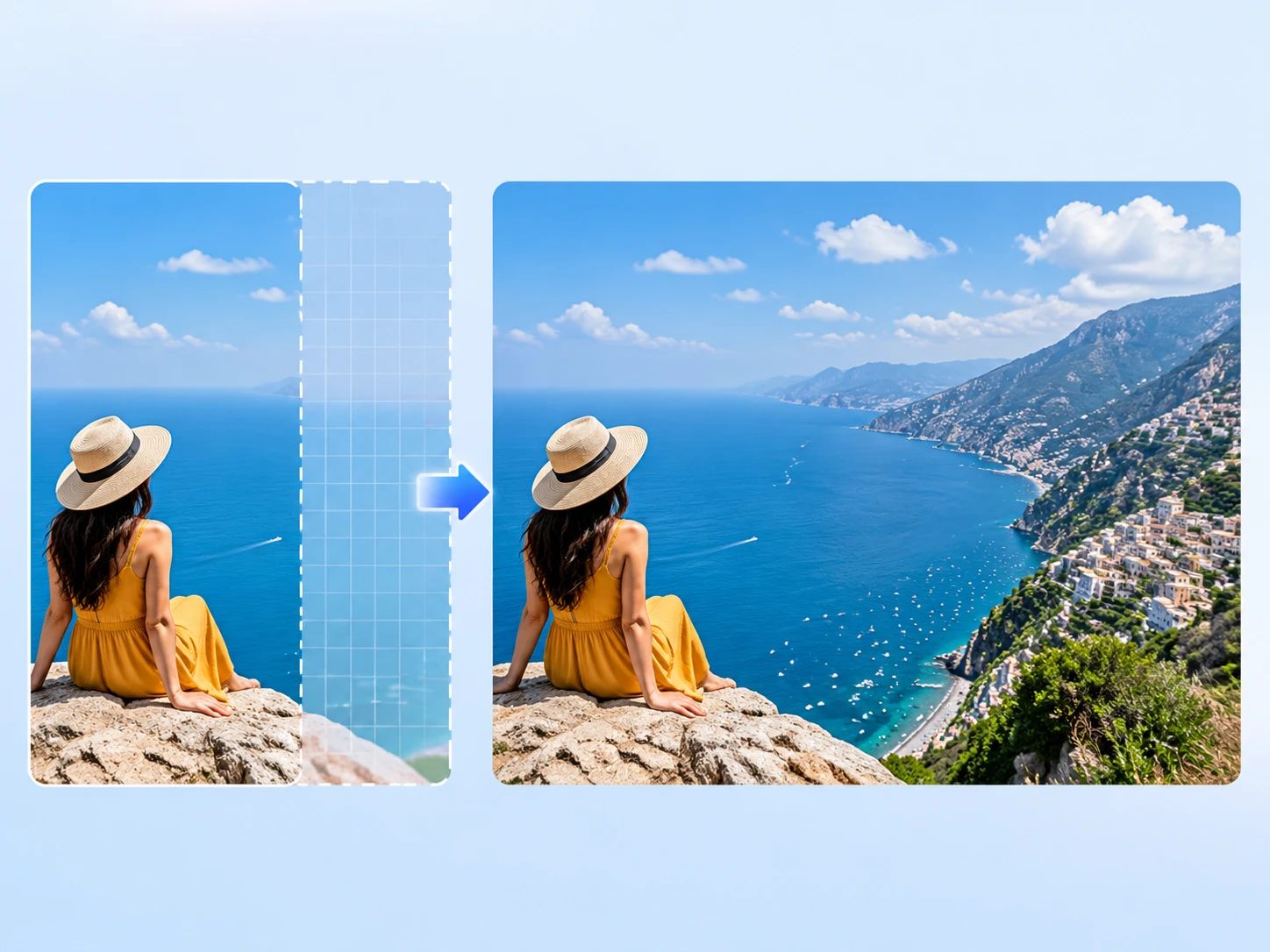
After
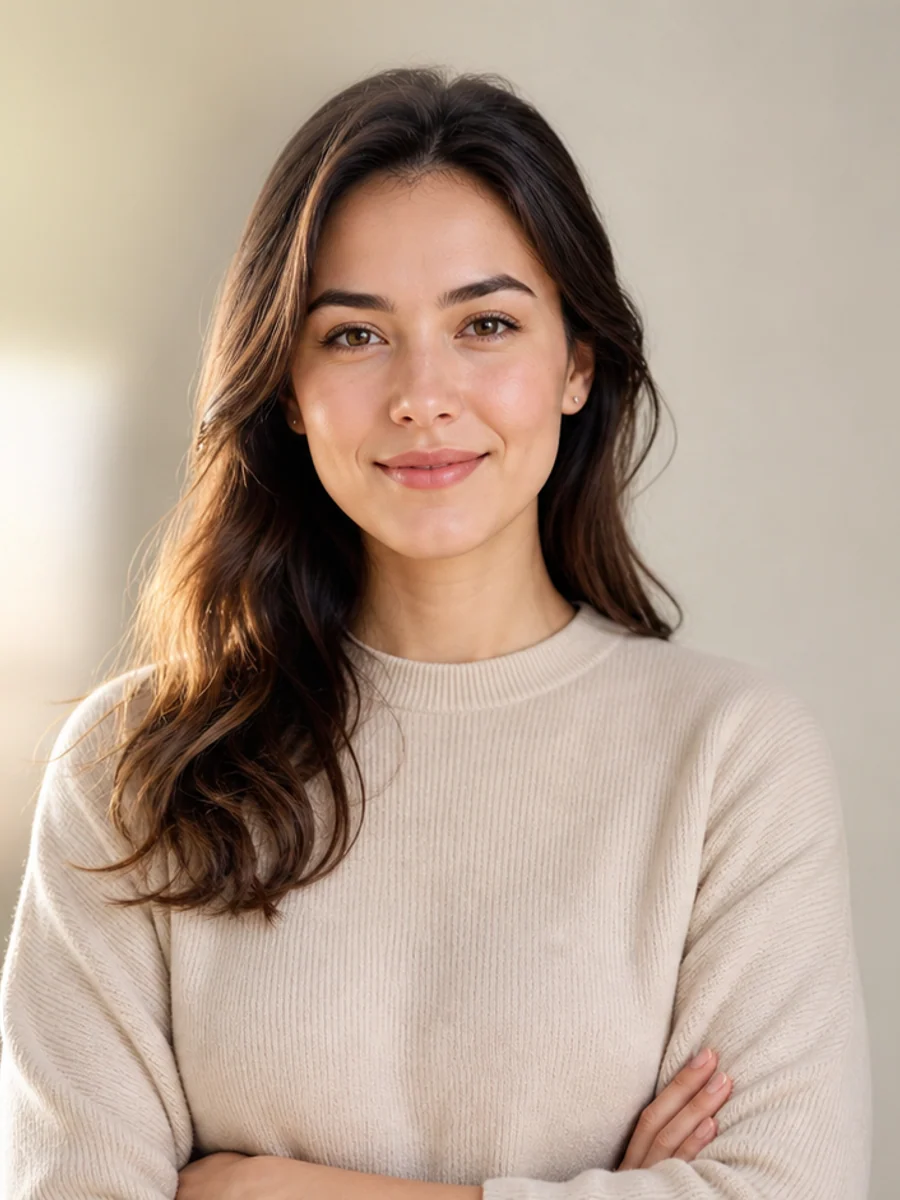
Before
01
Portrait to YouTube cover
Extend a vertical creator portrait into a 16:9 thumbnail with room for title text, guest names, or podcast episode artwork.
Turn a tight crop into a ready-to-use layout. Upload a portrait, product photo, travel shot, or room image, choose the final frame, and AI outpainting adds realistic space for thumbnails, storefront banners, social ads, and listing photos.
Drop an image to start — your result appears here
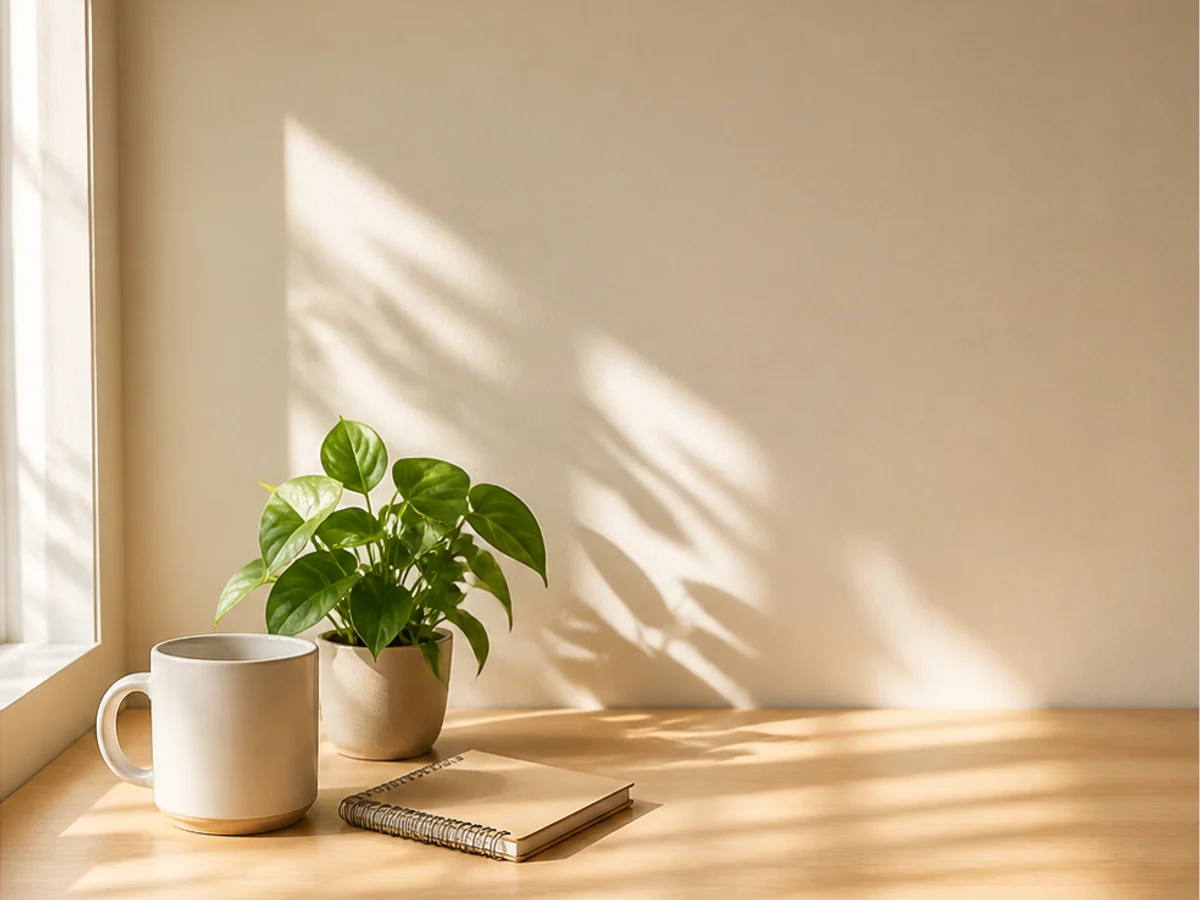
10 credits per run
Upload a JPG, PNG, or WebP image up to 10MB, such as a portrait, product shot, travel photo, real estate image, or social post crop.
Choose the frame you actually need: 16:9 for YouTube and website heroes, 9:16 for stories, 1:1 for marketplace listings, or a custom canvas.
Add optional guidance like "continue the studio backdrop" or "extend the beach and sky". The AI image extender fills the new space and returns a publish-ready image for websites, campaigns, and storefronts.
Three concrete moments where this tool saves a step.
Turn a vertical headshot, podcast guest photo, or travel snap into a 16:9 YouTube thumbnail, newsletter header, or blog hero without cropping out the subject, so the same image can do more work across channels.
Add clean space around shoes, cosmetics, furniture, or accessories so the same photo works for Shopify banners, Amazon-style listings, Etsy previews, and paid social ads, without a reshoot.
Widen Airbnb rooms, Zillow-style interiors, beach photos, city shots, and destination images into website heroes, booking pages, and campaign banners that feel ready for launch.
Drag each image to see what changes, then run the same workflow on your own upload.
Extend a vertical creator portrait into a 16:9 thumbnail with room for title text, guest names, or podcast episode artwork.
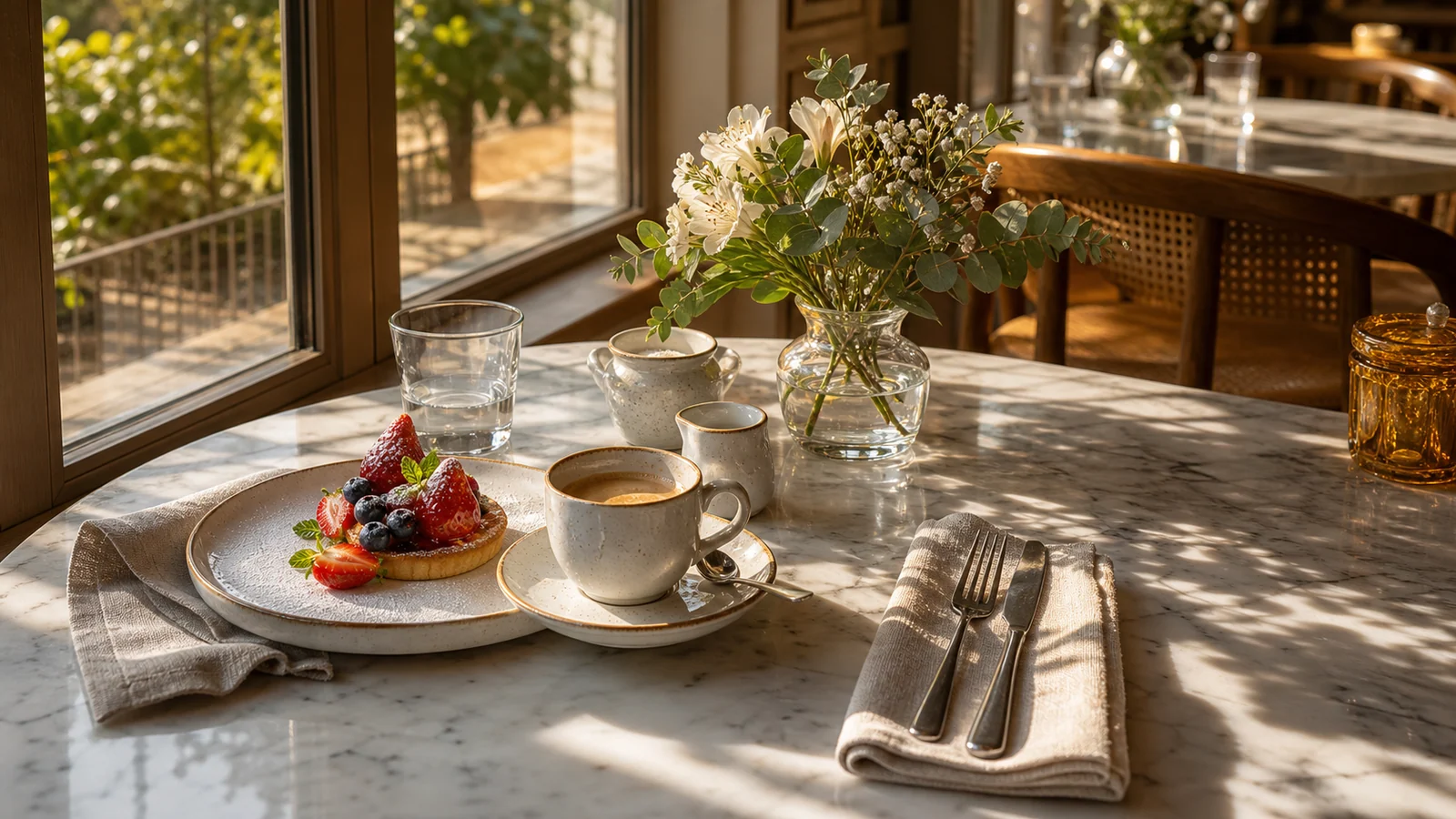
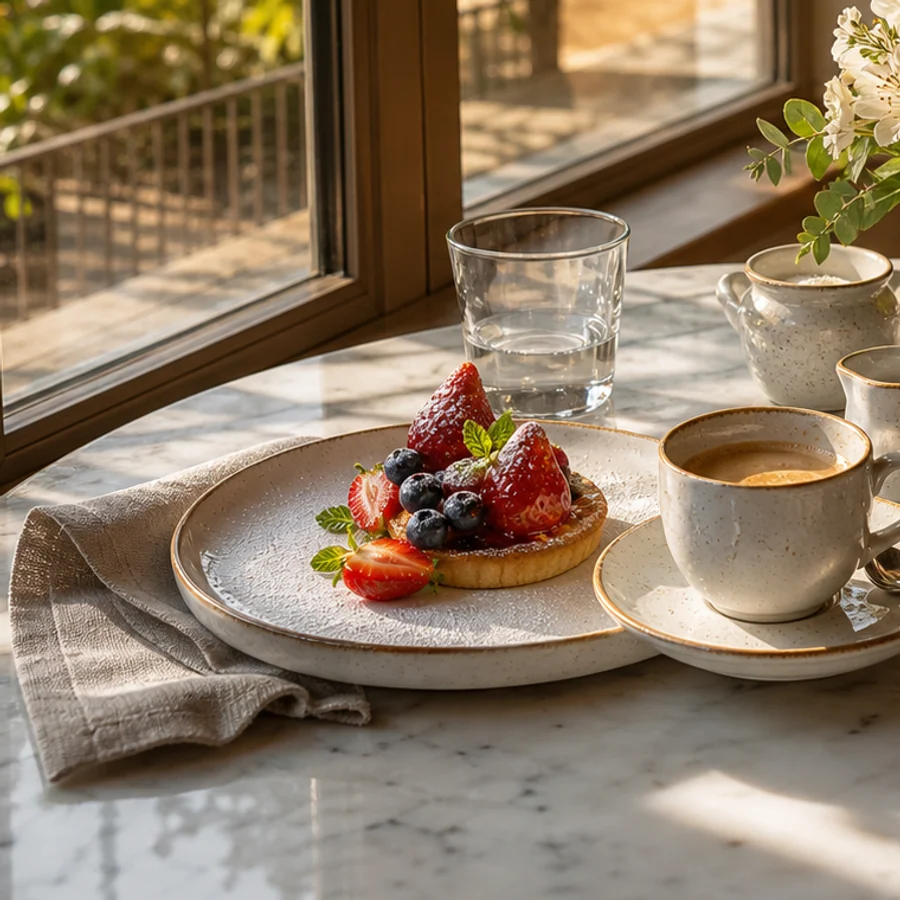
Give a tightly cropped product photo extra studio background so it fits Shopify hero sections, Amazon A+ content, and paid social creatives.
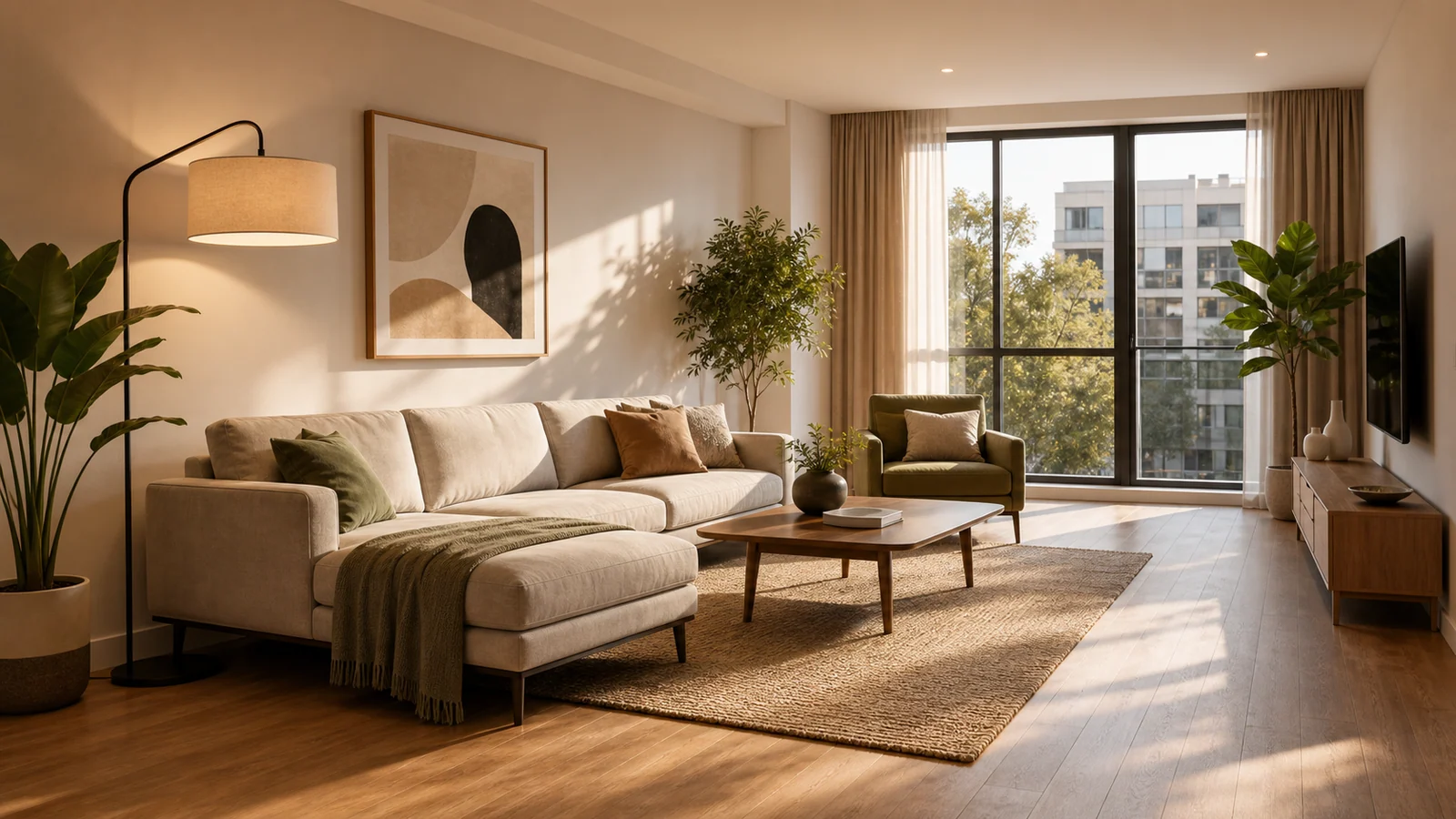
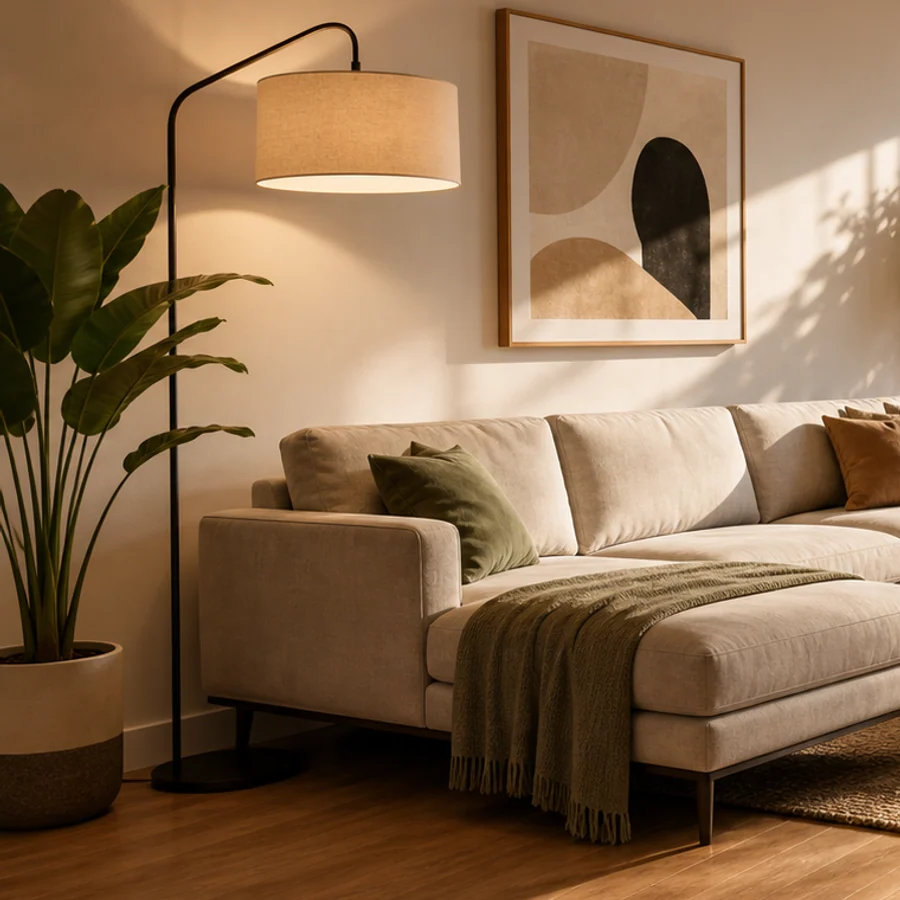
Widen a room, beach, cabin, or city photo into a clean hero image for rental listings, travel pages, newsletters, and booking campaigns.
Create 16:9, 9:16, 4:5, 1:1, and custom frames for YouTube, TikTok, Instagram, Meta ads, ecommerce stores, and landing pages.
Tell the tool to continue a studio wall, marble counter, blue sky, beach, sofa, street, or tabletop so the new canvas follows the scene you need.
Expand the frame with generated surroundings instead of pulling pixels outward, so products, faces, rooms, and landscapes keep their original shape.
Faster than the standalone tools I was paying for, and it's already wired to my image generator.
Half my workflow disappeared the day I realized I could prompt, upscale, and prep all in one tab.
The image-to-prompt step turned a slow part of my job into a 10-second copy-paste.
Quotes from invited beta users; consent obtained, last names withheld.
Nano Banana 2
Nano Banana 2 keeps the speed of the base model but adds a quality dial — preview at 1K, sign off at 2K, ship at 4K. The detail in faces, hands, and material textures survives the upscale.
GPT Image 2
GPT Image 2 takes a long brief and gives back a finished image with the type set right, the references locked, and the world it depicts true to life — what diffusion-only models still get wrong.
AI Product Photography Generator — Product Hero AI
Turn ordinary product shots into hero-grade e-commerce visuals — lifestyle context, studio softbox setups, editorial flatlays — ready to drop into e-commerce listings, ad creative, and brand campaigns.
Studio Ghibli Style Filter
Turn any photo into a hand-painted Studio Ghibli scene — gouache backgrounds, drifting cumulus clouds, wind-moved grass, the quiet slice-of-life mood of Miyazaki's films. Faces stay recognizable, the output looks like a single frame from an animated feature.
Fashion Collage Generator — AI Editorial Collage
Turn photos into editorial fashion collages — layered outfits, magazine-grade composition, clean negative space. Drop straight into brand moodboards, lookbook concepts, seasonal campaigns, and creative proposal visuals.